
Operational views
Review work, evidence, exceptions and authorised decisions within a defined operating scope.
Healthcare
Organise referral intake, administrative completeness, clinician prioritisation, appointment confirmation and receiving-team handover.
13 workspace menus · 5 role profiles · Connected records
Designed for hospital outpatient services directors
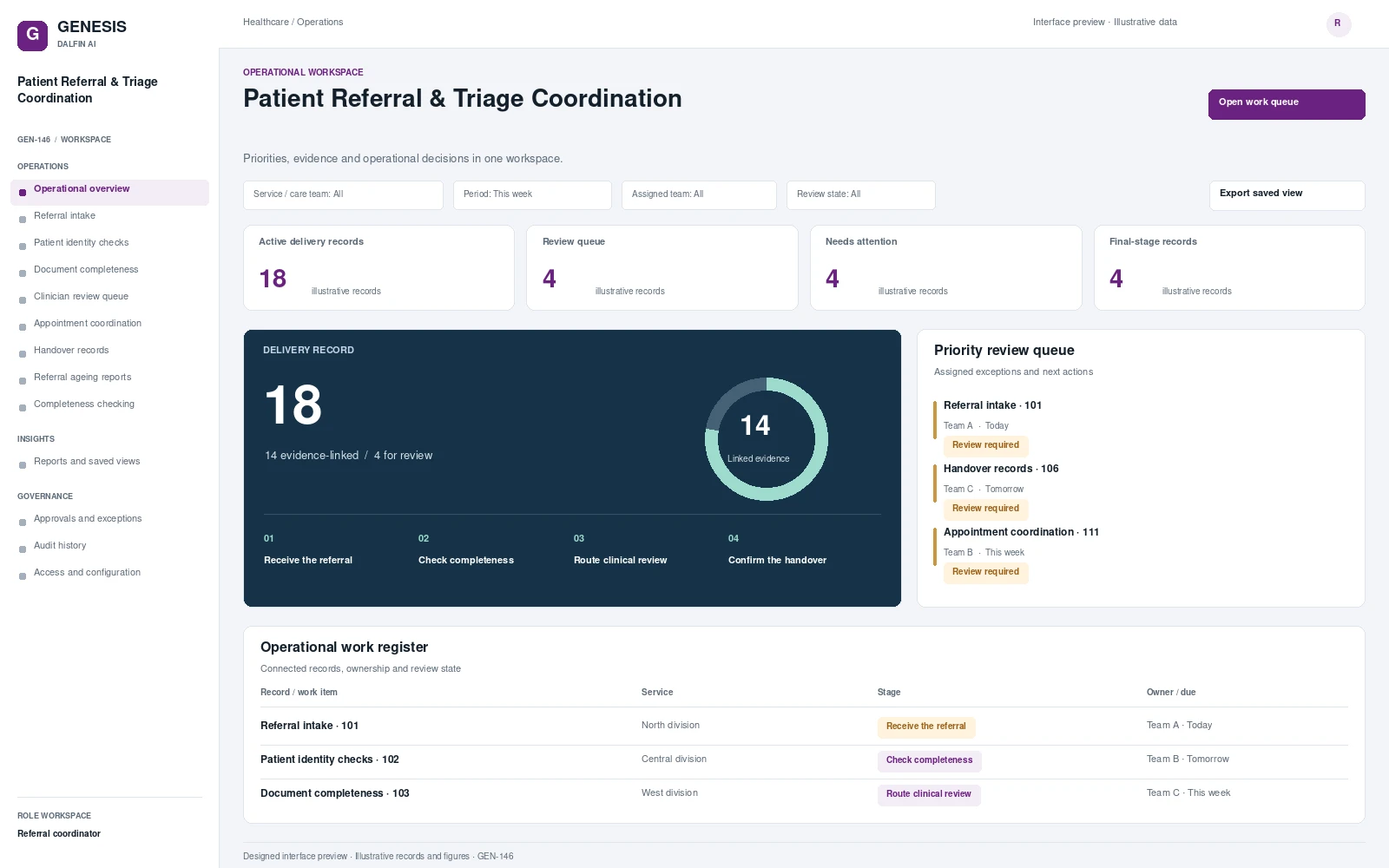
Operational workspace and record review. Select a screen to inspect it in full.
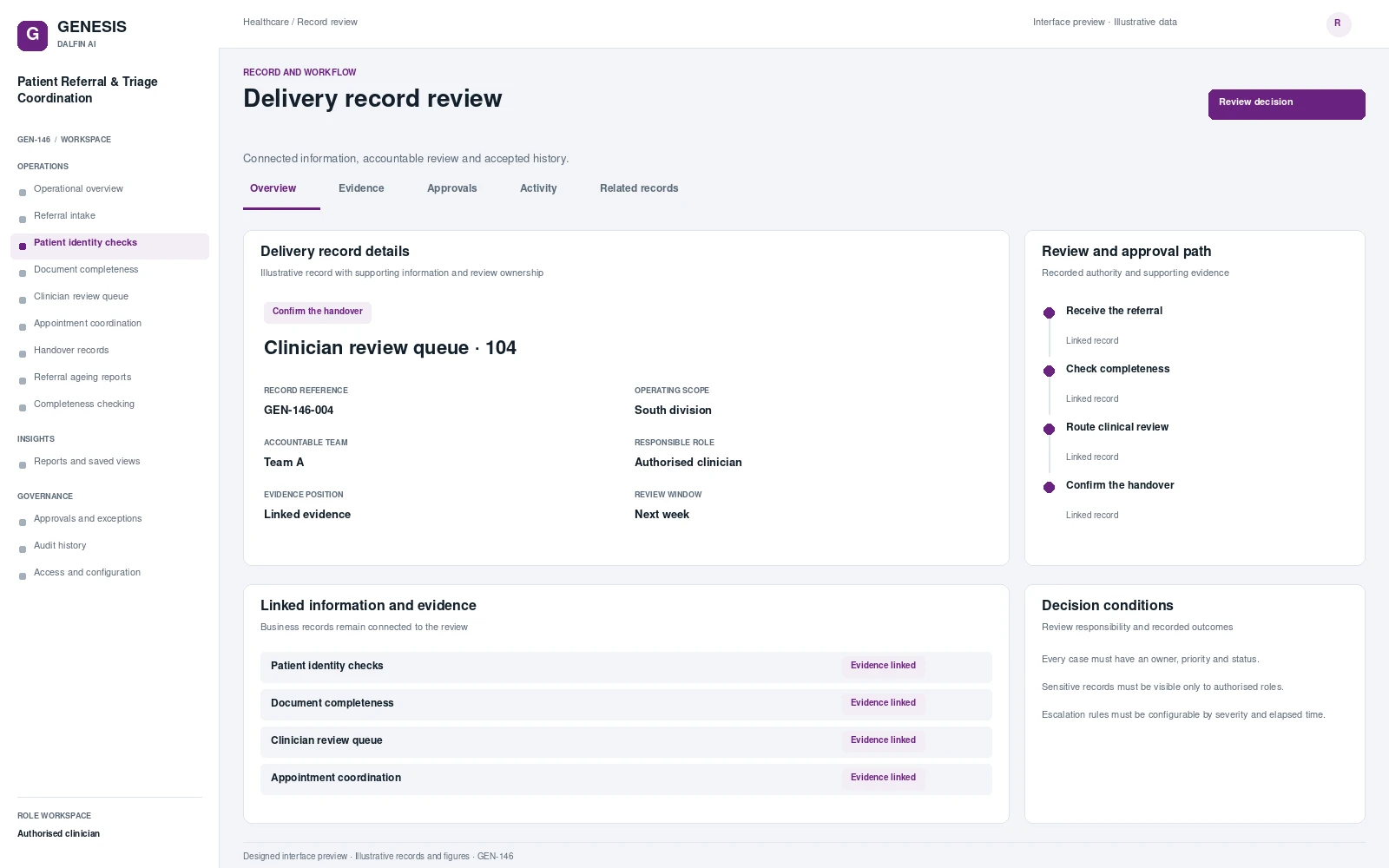
Review work, evidence, exceptions and authorised decisions within a defined operating scope.
Organise referral intake, administrative completeness, clinician prioritisation, appointment confirmation and receiving-team handover. A referral can wait without a clear owner when missing documents, administrative checks and clinical review are mixed together. The system makes each handover visible and separates completeness checking from clinician prioritisation, helping outpatient teams track the path to a confirmed appointment.
From intake to authorised completion, with evidence at each decision.
Receive referral and records.
Check administrative completeness.
Route for clinician prioritisation.
Confirm appointment and handover.
Permissions are configured and tested for the agreed responsibilities.
Interface scope, data mapping and testing are agreed for each engagement.
Provide authorised reviewers with referral status and administrative tasks, subject to the organisation's patient-data access rules.
Access approved workflows through the Dalfin mobile app. Device tasks and permissions are confirmed for the deployment.
Summarise administrative documents for an authorised reviewer. Clinical prioritisation remains clinician controlled.
AI extensions are scoped around the required data, business outcome and review controls.
Connect requirements, roles, records, workflows and interfaces through the agreed Genesis engineering process.
Review dependency impact and validation requirements. Context Memory supports governed changes and accepted application revisions.
Agree customer cloud or on-premises requirements, device access, implementation acceptance and ongoing engineering support.
An example operating scenario
A referral is missing a required record. The coordinator obtains it and routes the completed package to the clinician, who records the priority. Scheduling confirms the appointment and the receiving team acknowledges the handover. No clinical priority is generated autonomously.
Roles, approval authority, business rules, records and reporting are configured around your operating model. Scope definition connects the required business outcome to workflows, interfaces and acceptance criteria.
Operators, reviewers and authorised decision makers have defined responsibilities. Approval limits, exception handling and access permissions are agreed with your business owners and tested against the selected workflows.
Interface requirements cover your existing business systems, data ownership, mapping and authentication. Connection design and testing form part of the agreed implementation scope.
Start with a relevant business transaction, then review its approvals, an exception, role permissions and final records. Discuss the integrations, reporting and operating requirements that matter to your organisation.
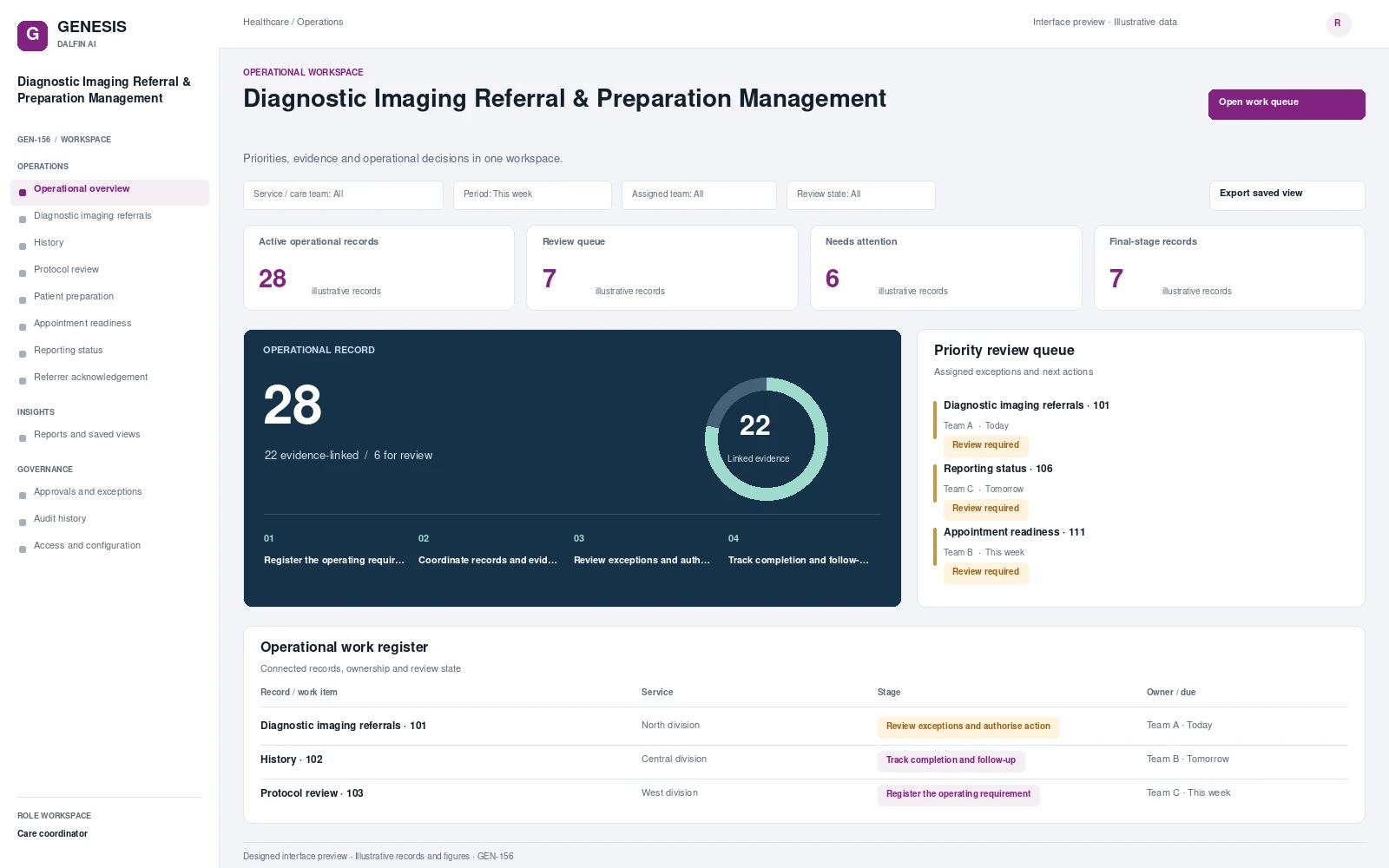 Interface preview
Coordinates diagnostic imaging referrals, supporting history and authorised protocol review.
Explore system →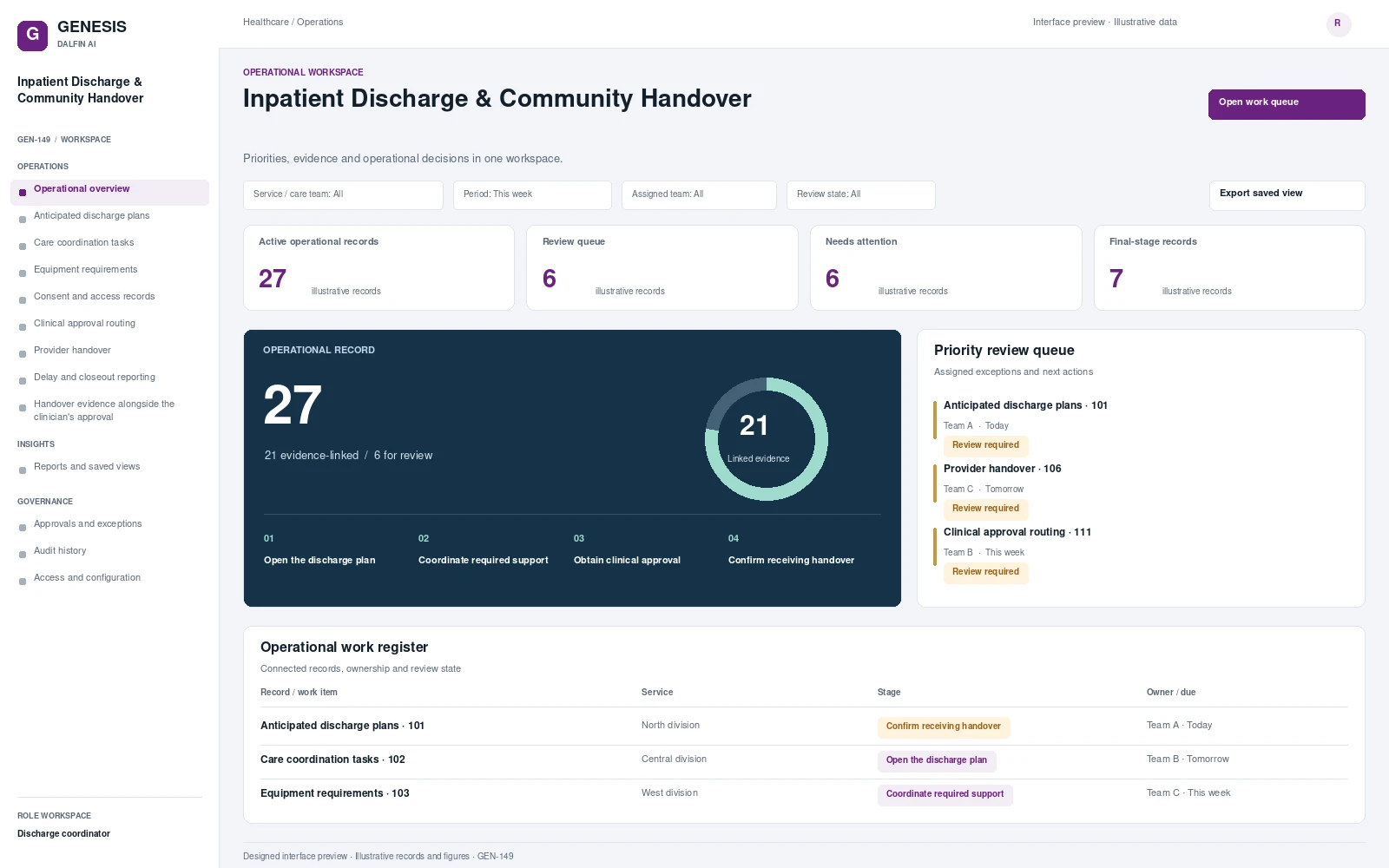 Interface preview
Coordinate discharge planning, care and equipment dependencies, clinical approval and receiving-provider acknowledgement.
Explore system →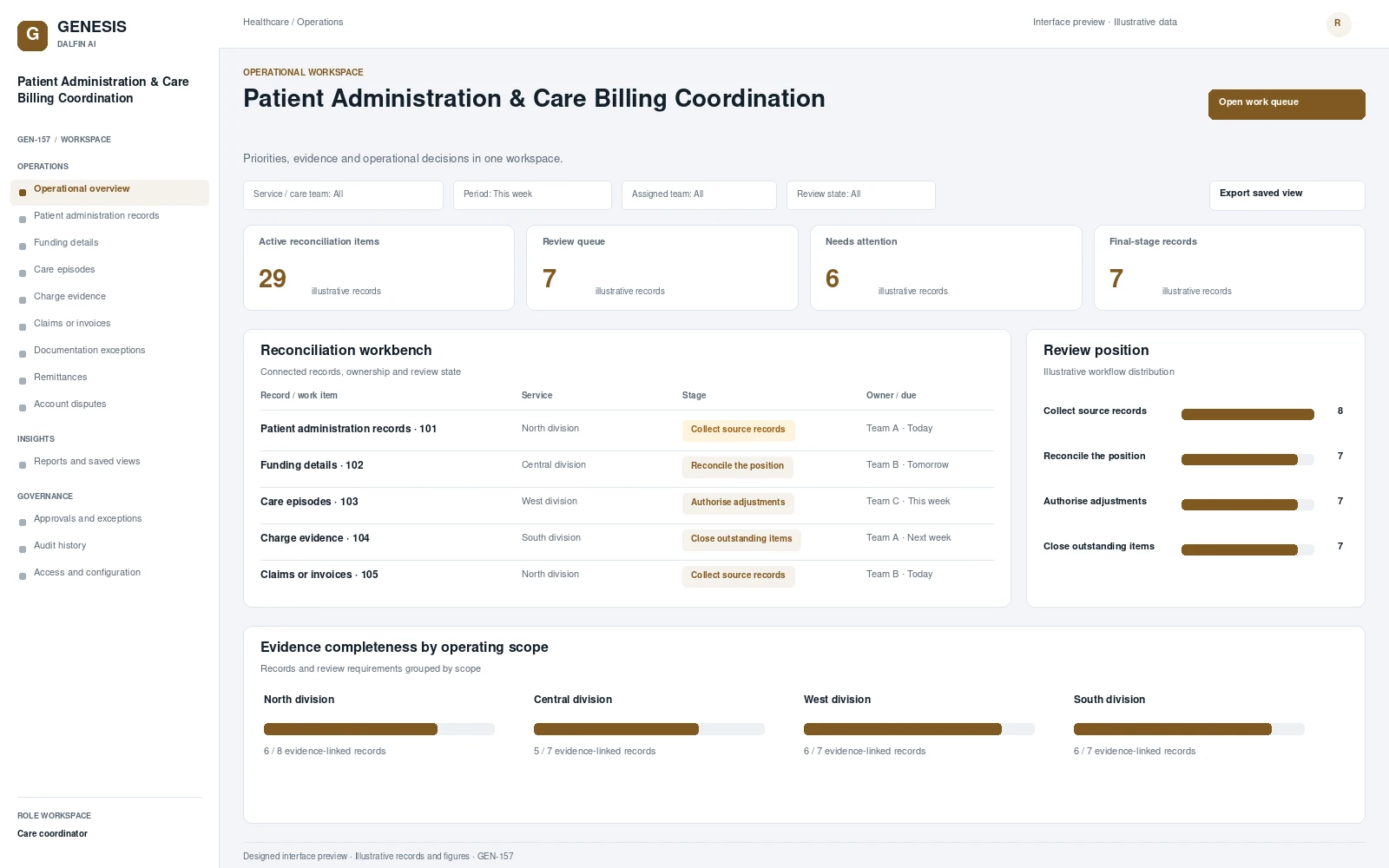 Interface preview
Maintains patient administration records, funding details and authorised care episodes.
Explore system →