Genesis platform

Build the system.
Preserve its engineering context.

Genesis supports complete application engineering, from business requirements to interfaces, logic, data and APIs. Human review and validation remain part of delivery.
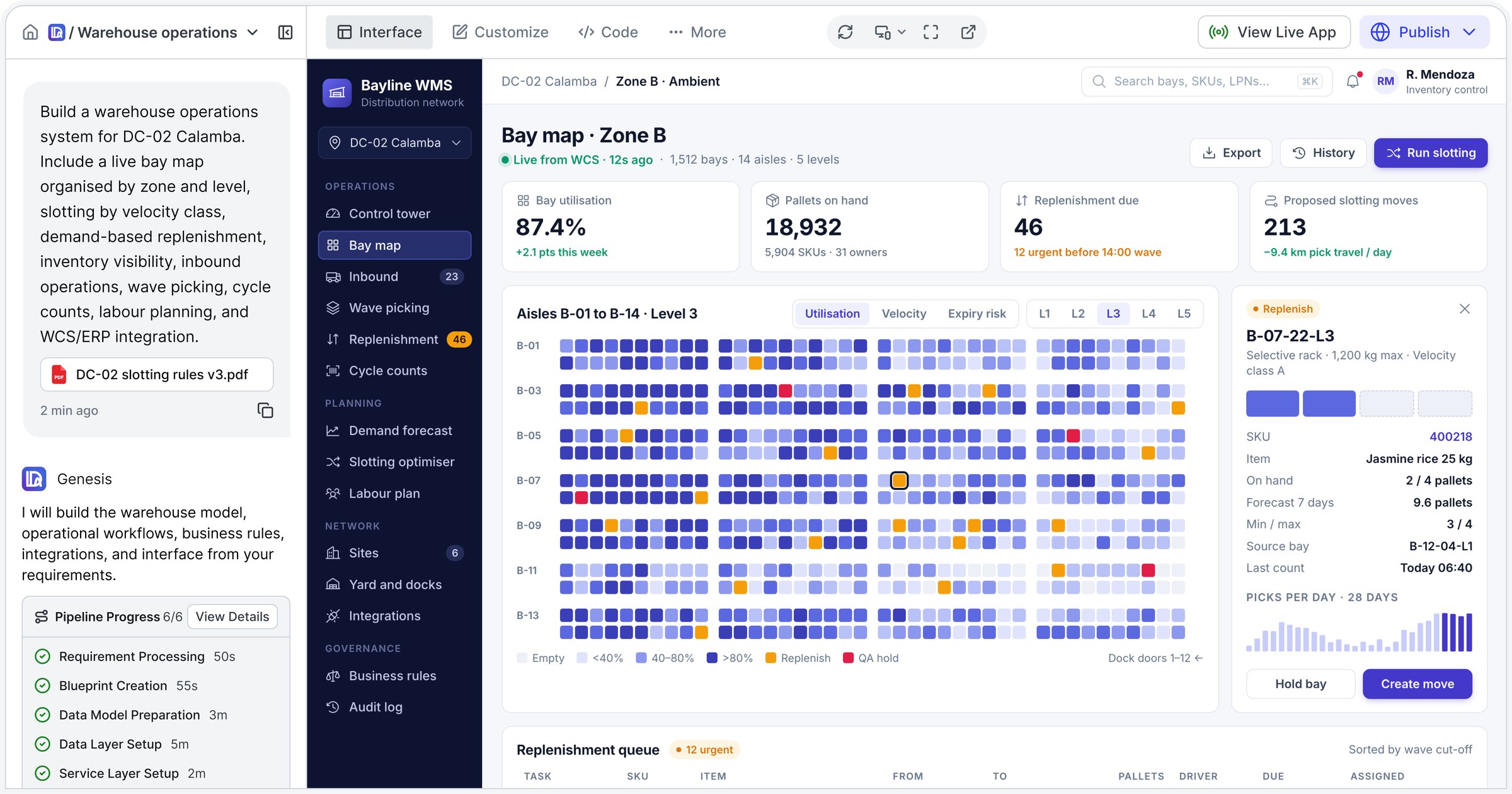
Genesis workspace: a warehouse change request and validated pipeline on the left, the generated warehouse management system showing a live bay map for Zone B on the right
Application output

The parts of a working business application.

Interfaces and roles

Design the screens and access people need to do their work.

Rules and workflows

Connect decisions, approvals and business processes.

Data and integrations

Engineer data structures, APIs and the connections in scope.

The lifecycle

A structured path
from requirement to release.

  1. Understand

    Structure your requirements, processes and existing design material.

  2. Decide

    Resolve missing information and record the decisions behind the build.

  3. Engineer

    Create the interfaces, business logic, data structures and APIs.

  4. Validate and release

    Test, review and approve the application before release.

Continuing customisation

An application needs to evolve.

Context Memory preserves the reasoning, dependencies and accepted revisions used to guide future changes. Proposed work goes through engineering review and validation.

Application access

Your applications. Across your devices.

Customers access the applications developed for their organisation on mobile, tablet and desktop.
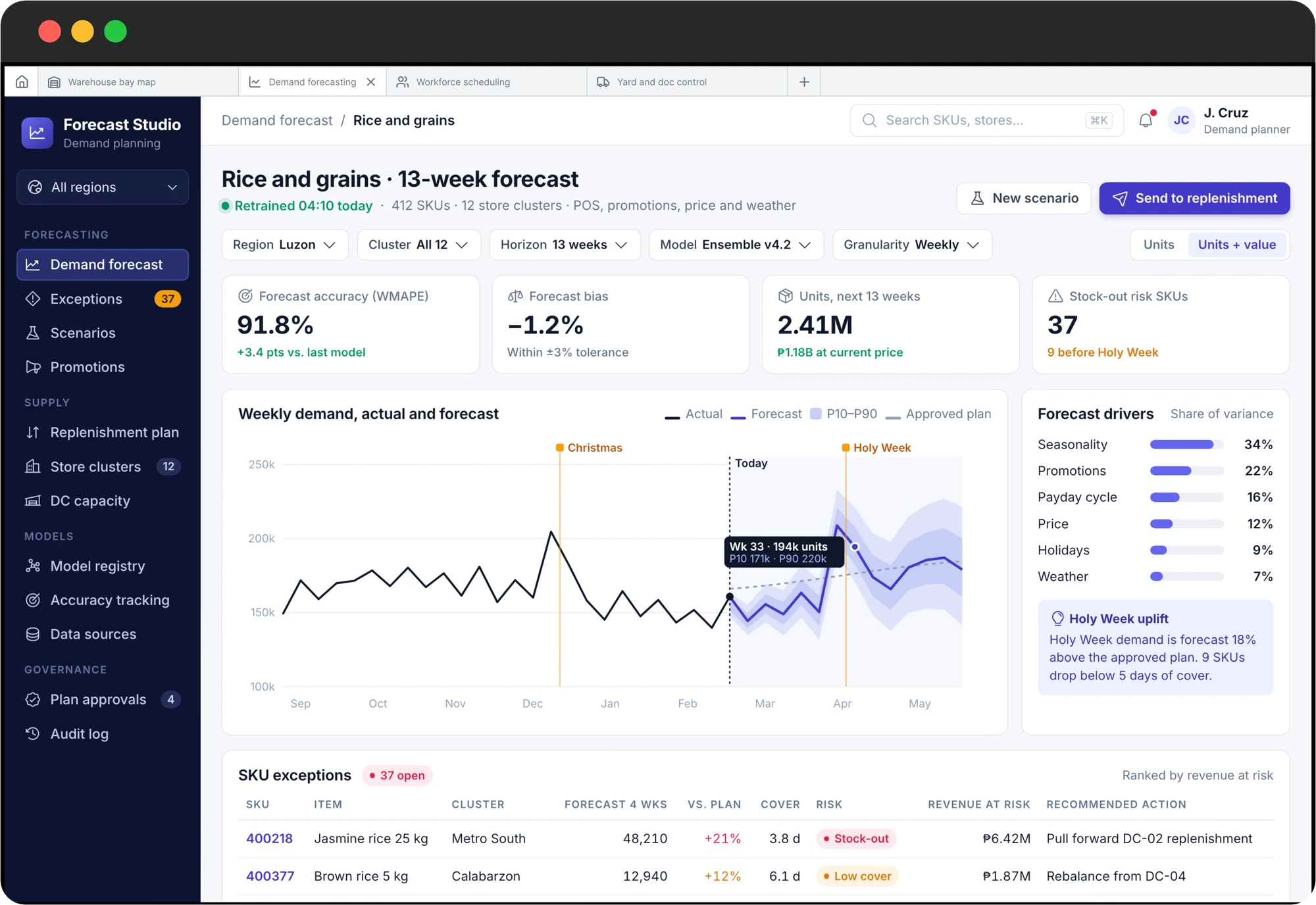
A demand forecasting application on desktop: 13-week forecast with confidence bands, forecast drivers and SKU exceptions
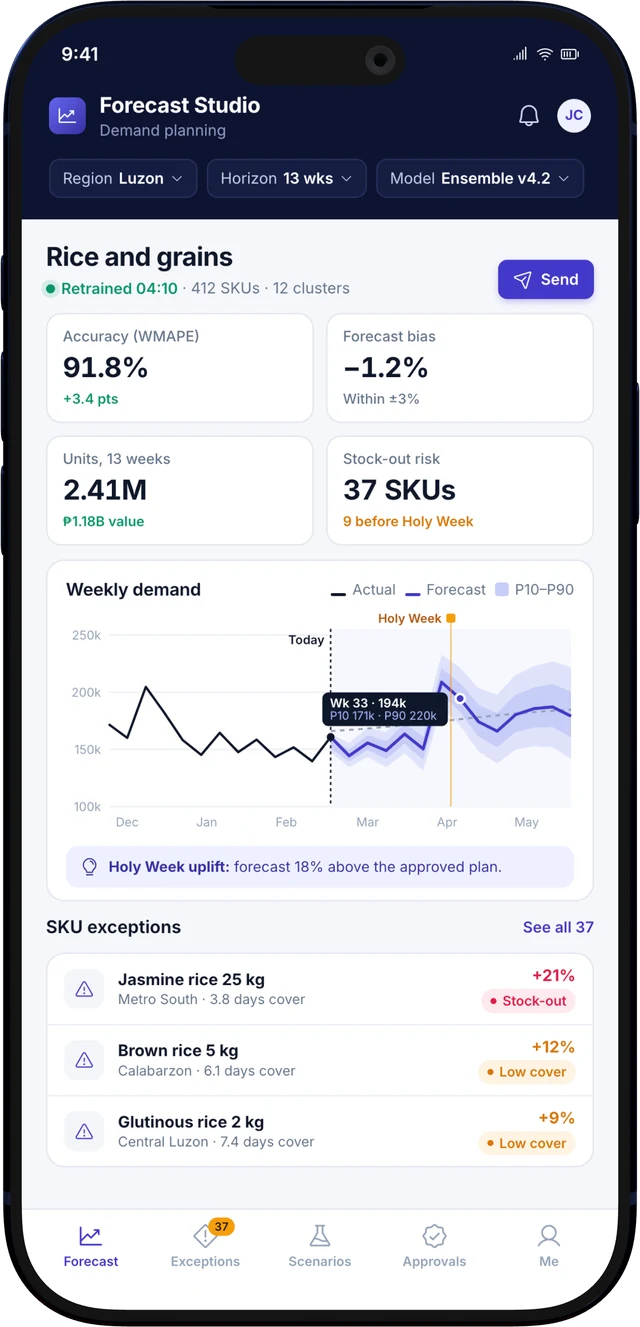
The same demand forecasting application on a phone: forecast accuracy, weekly demand with confidence bands and SKU exceptions

Three steps to your applications.

  1. 1
    Download DalfinGet the Dalfin app from the App Store or Google Play.
  2. 2
    Scan your application’s unique codeYour organisation provides a code for each application. Scanning it connects the app.
  3. 3
    Open the applications you are permitted to useYou see only the applications and functions your account has been given access to.

Explore Genesis with your own
application requirements.

Tell us about your processes, current systems and delivery requirements. We will arrange a relevant Genesis demonstration.

Request an enterprise demo