
Customer application access
Your applications. Across your devices.
Download Dalfin, scan your application’s unique code and open the applications you are permitted to use. Desktop access is supplied by your organisation.
Device access
Work on mobile, tablet and desktop.
Each person sees only the applications their organisation has permitted for their account, on any device.
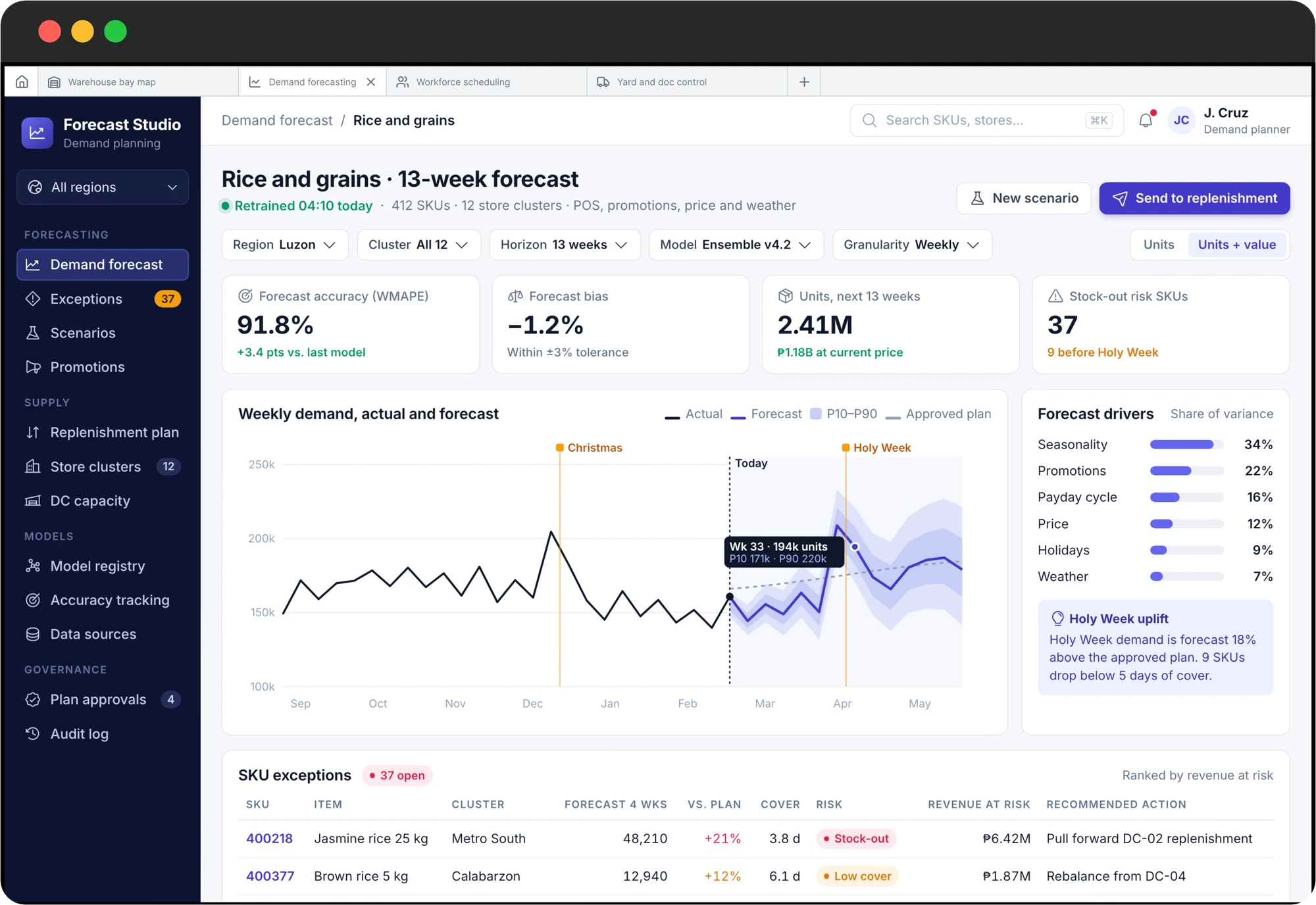
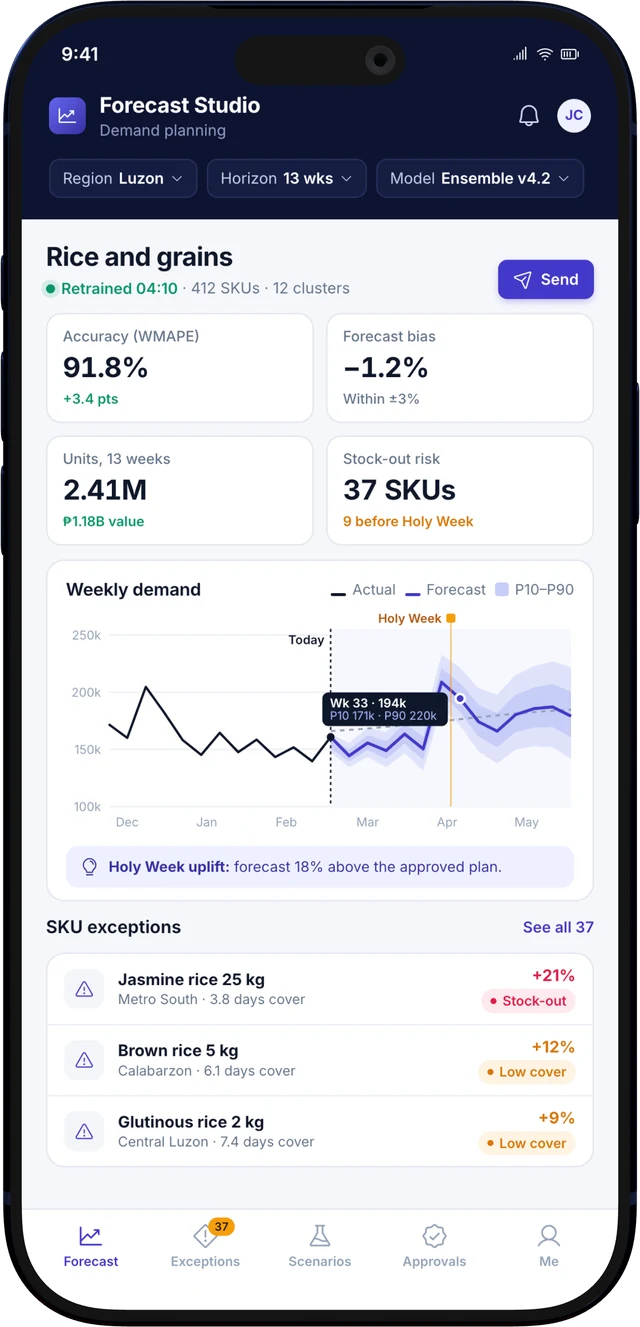
Three steps to your applications.
- 1Download DalfinGet the Dalfin app from the App Store or Google Play.
- 2Scan your application’s unique codeYour organisation provides a code for each application. Scanning it connects the app.
- 3Open the applications you are permitted to useYou see only the applications and functions your account has been given access to.
Download Dalfin
Choose your device.
After installing, scan your application’s unique code. The applications you see depend on the permissions your organisation gives your account.
iPhone and iPad
Get the Dalfin app from the Apple App Store.
 (opens in a new tab)
Android devices
Get the Dalfin app from Google Play.
 (opens in a new tab)
- Discuss desktop access
Desktop
Use the desktop access supplied for your organisation.
Looking to build
an enterprise application?
Discuss your business processes and requirements with Dalfin AI. We will arrange a relevant Genesis demonstration.
Request an enterprise demo