
Operational views
Review work, evidence, exceptions and authorised decisions within a defined operating scope.
Retail & ecommerce
Connect authorised price and tender rules, sales and refunds, till reconciliation, discrepancy review and trading-day closeout.
12 workspace menus · 5 role profiles · Connected records
Designed for retail store operations and finance directors
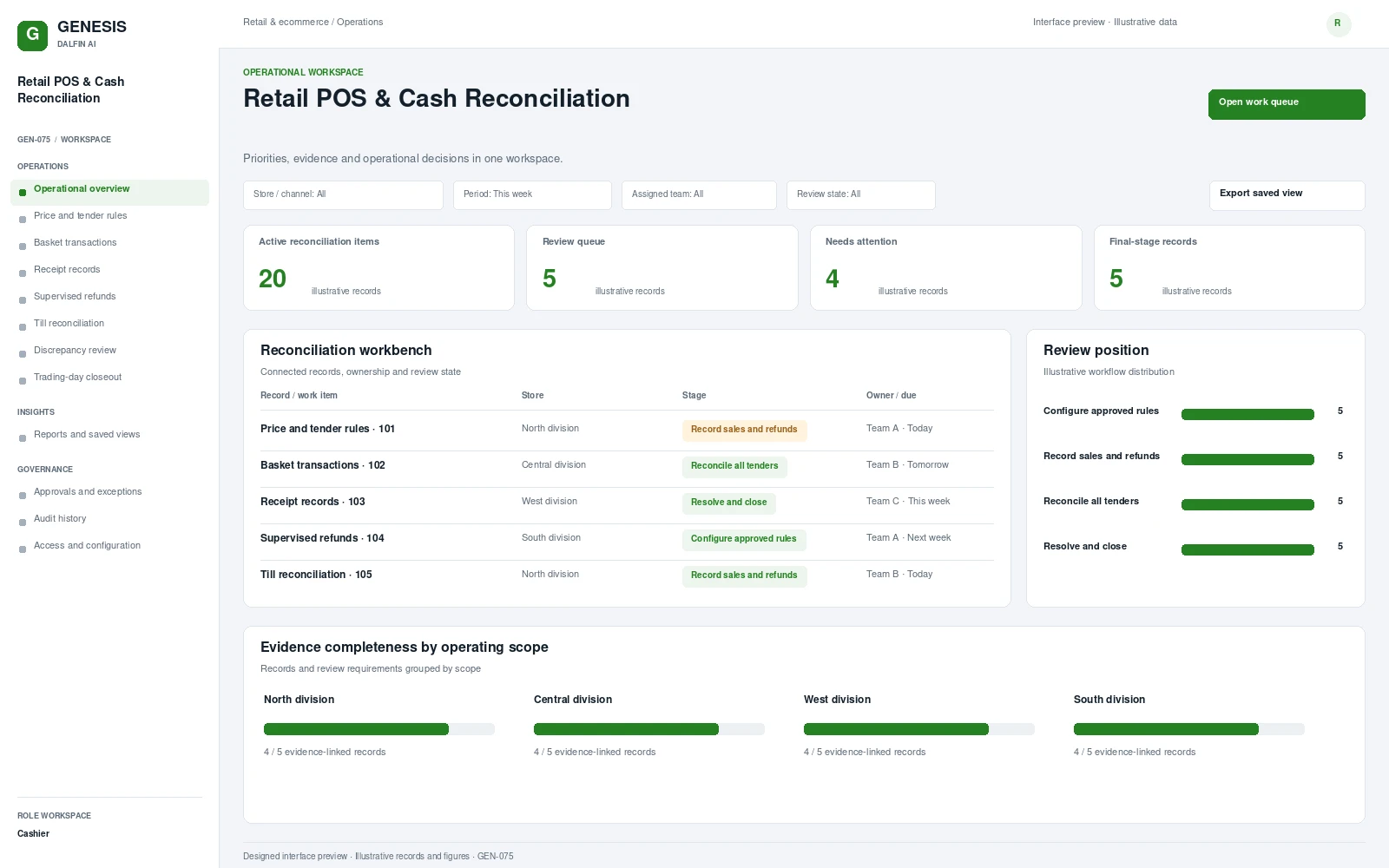
Operational workspace and record review. Select a screen to inspect it in full.
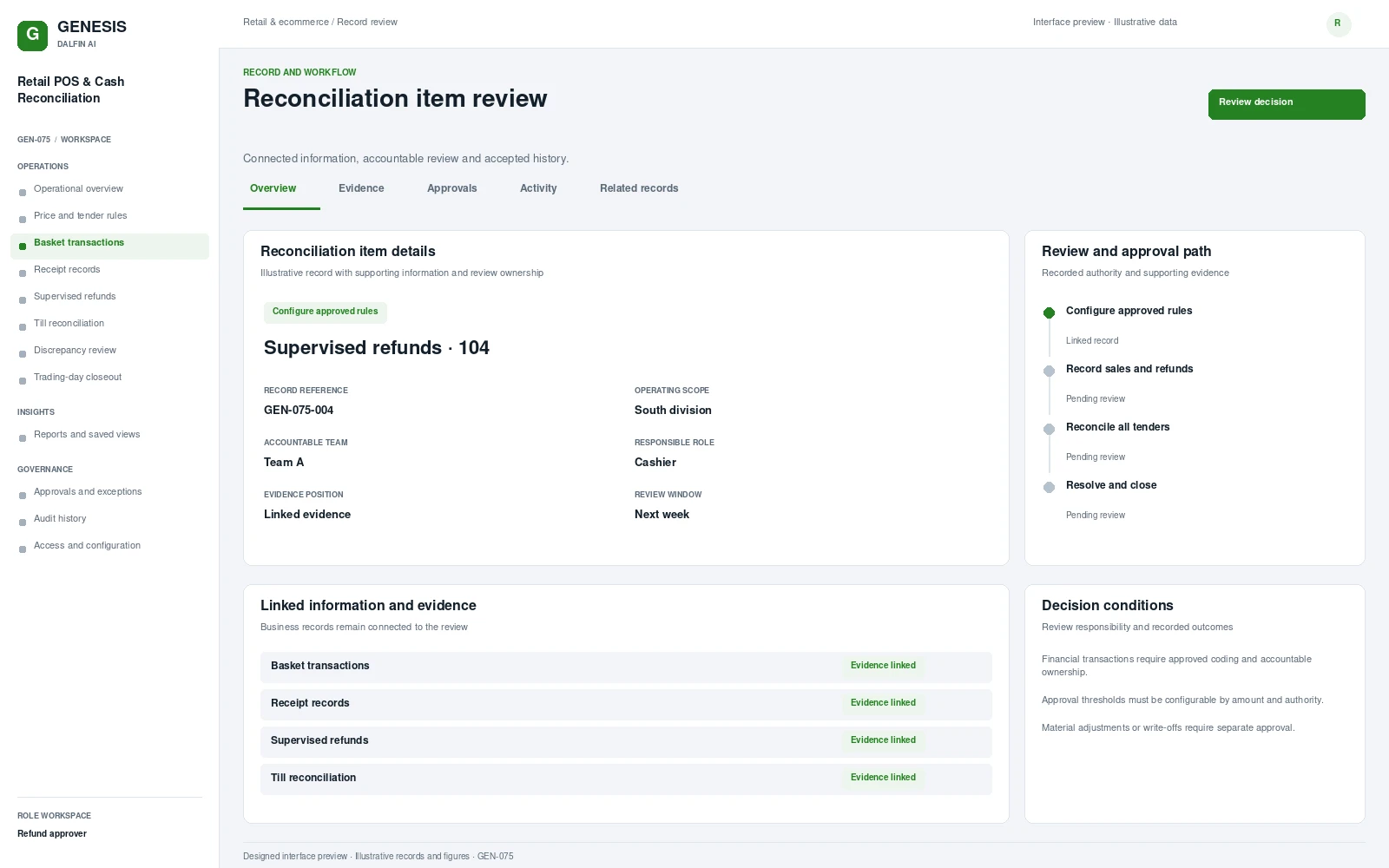
Review work, evidence, exceptions and authorised decisions within a defined operating scope.
Connect authorised price and tender rules, sales and refunds, till reconciliation, discrepancy review and trading-day closeout. A completed sale still needs to reconcile with tender, cash and the approved trading rules. The system connects transaction records to supervised refunds and end-of-day review, making discrepancies accountable instead of closing them as unexplained balances.
From intake to authorised completion, with evidence at each decision.
Configure authorised price, tax and tender rules.
Complete basket sales, receipts and approved refunds.
Reconcile tills, cash and electronic tenders.
Resolve discrepancies and close the trading day.
Permissions are configured and tested for the agreed responsibilities.
Interface scope, data mapping and testing are agreed for each engagement.
Tablet transaction views may be scoped for tested device and payment configurations. Payment-security and tax validation are implementation-specific.
Access approved workflows through the Dalfin mobile app. Device tasks and permissions are confirmed for the deployment.
Core workflows and approval rules are defined with your business owners. Operational AI can be assessed separately against a specific business outcome and review requirements.
AI extensions are scoped around the required data, business outcome and review controls.
Connect requirements, roles, records, workflows and interfaces through the agreed Genesis engineering process.
Review dependency impact and validation requirements. Context Memory supports governed changes and accepted application revisions.
Agree customer cloud or on-premises requirements, device access, implementation acceptance and ongoing engineering support.
An example operating scenario
A sale and an approved refund are processed through the agreed payment interfaces. The till reconciliation identifies a discrepancy, the supervisor records the reviewed resolution and the trading day closes with a traceable settlement record.
Roles, approval authority, business rules, records and reporting are configured around your operating model. Scope definition connects the required business outcome to workflows, interfaces and acceptance criteria.
Operators, reviewers and authorised decision makers have defined responsibilities. Approval limits, exception handling and access permissions are agreed with your business owners and tested against the selected workflows.
Interface requirements cover your existing business systems, data ownership, mapping and authentication. Connection design and testing form part of the agreed implementation scope.
Start with a relevant business transaction, then review its approvals, an exception, role permissions and final records. Discuss the integrations, reporting and operating requirements that matter to your organisation.
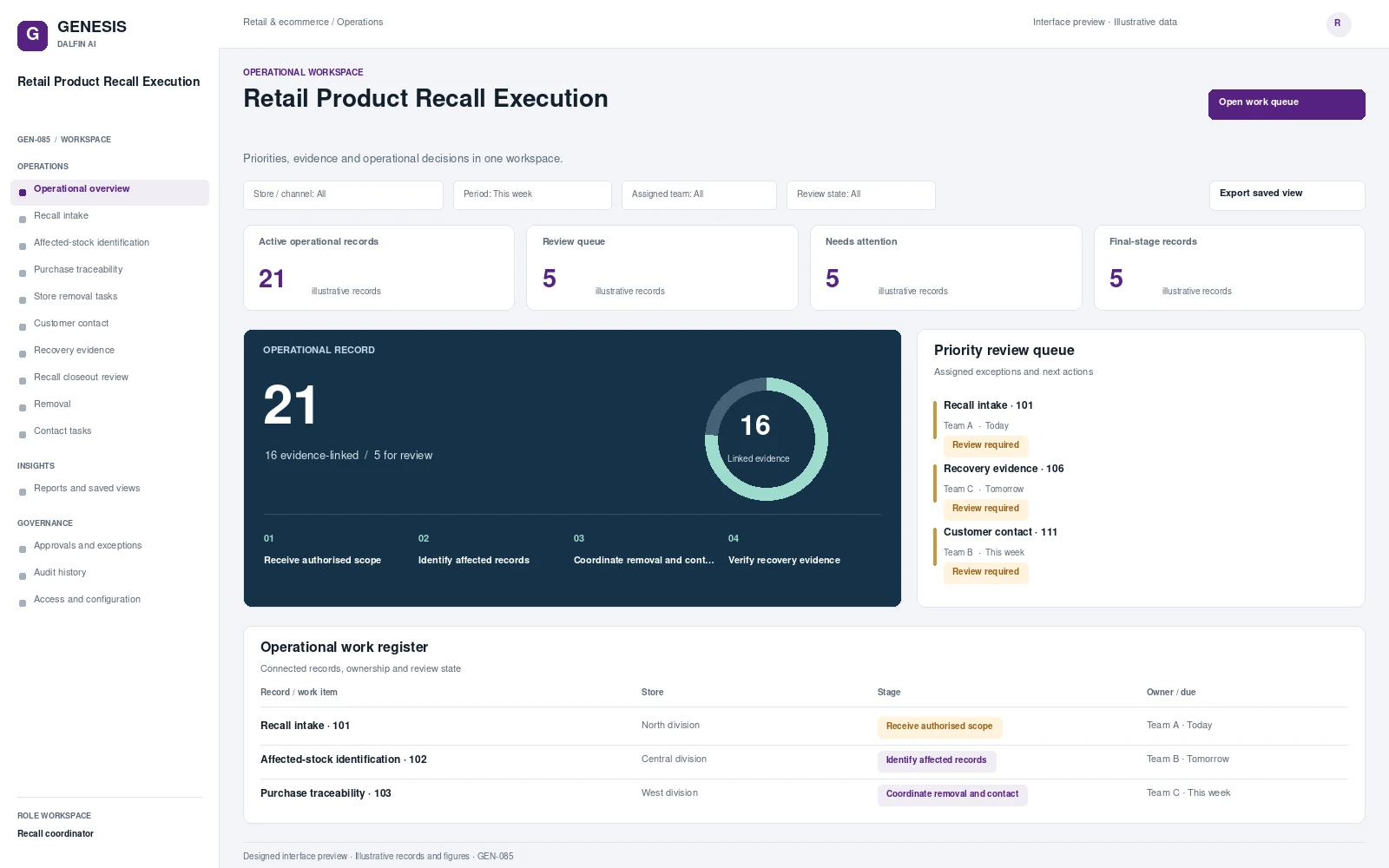 Interface preview
Turn an authorised recall scope into affected-stock review, store removal, customer contact and verified recovery evidence.
Explore system →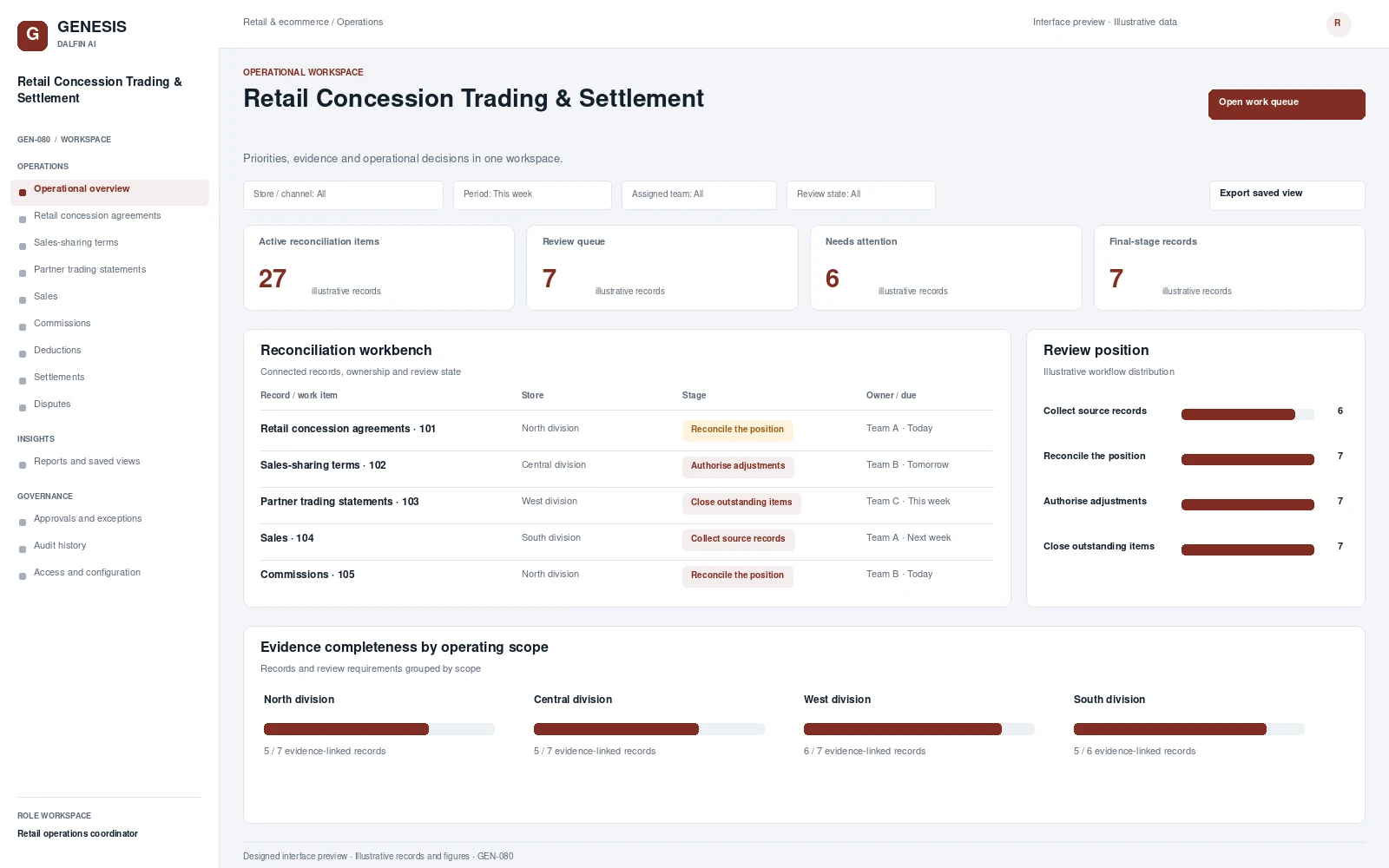 Interface preview
Administers retail concession agreements, sales-sharing terms and partner trading statements.
Explore system →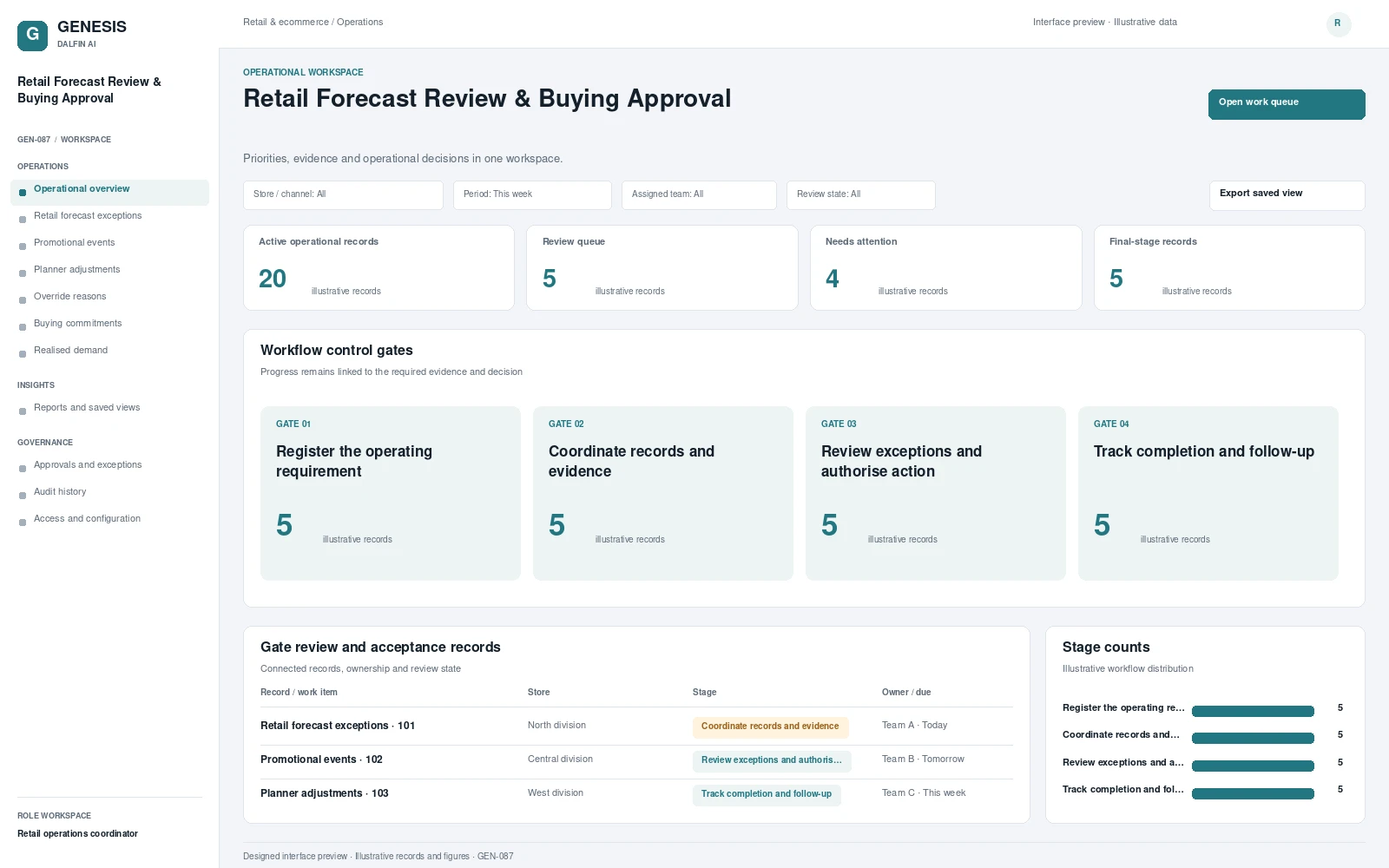 Interface preview
Organises retail forecast exceptions, promotional events and planner adjustments for review.
Explore system →