
Operational views
Review work, evidence, exceptions and authorised decisions within a defined operating scope.
Defence support & sustainment
Coordinate authorised support-equipment repairs, transport, workshop readiness, service-release evidence and custody reconciliation.
12 workspace menus · 5 role profiles · Connected records
Designed for Defence support maintenance and repair coordination managers
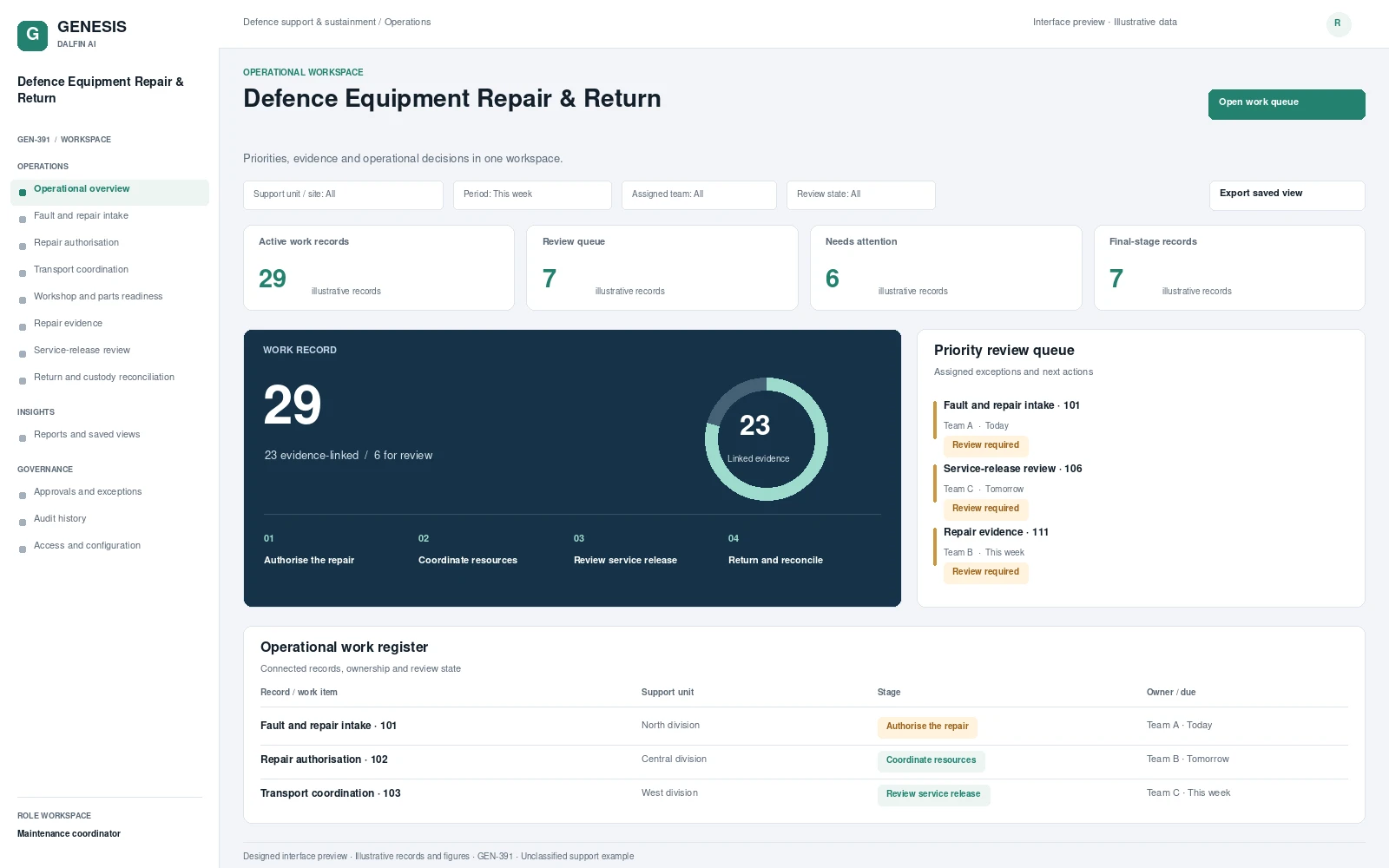
Operational workspace and record review. Select a screen to inspect it in full.
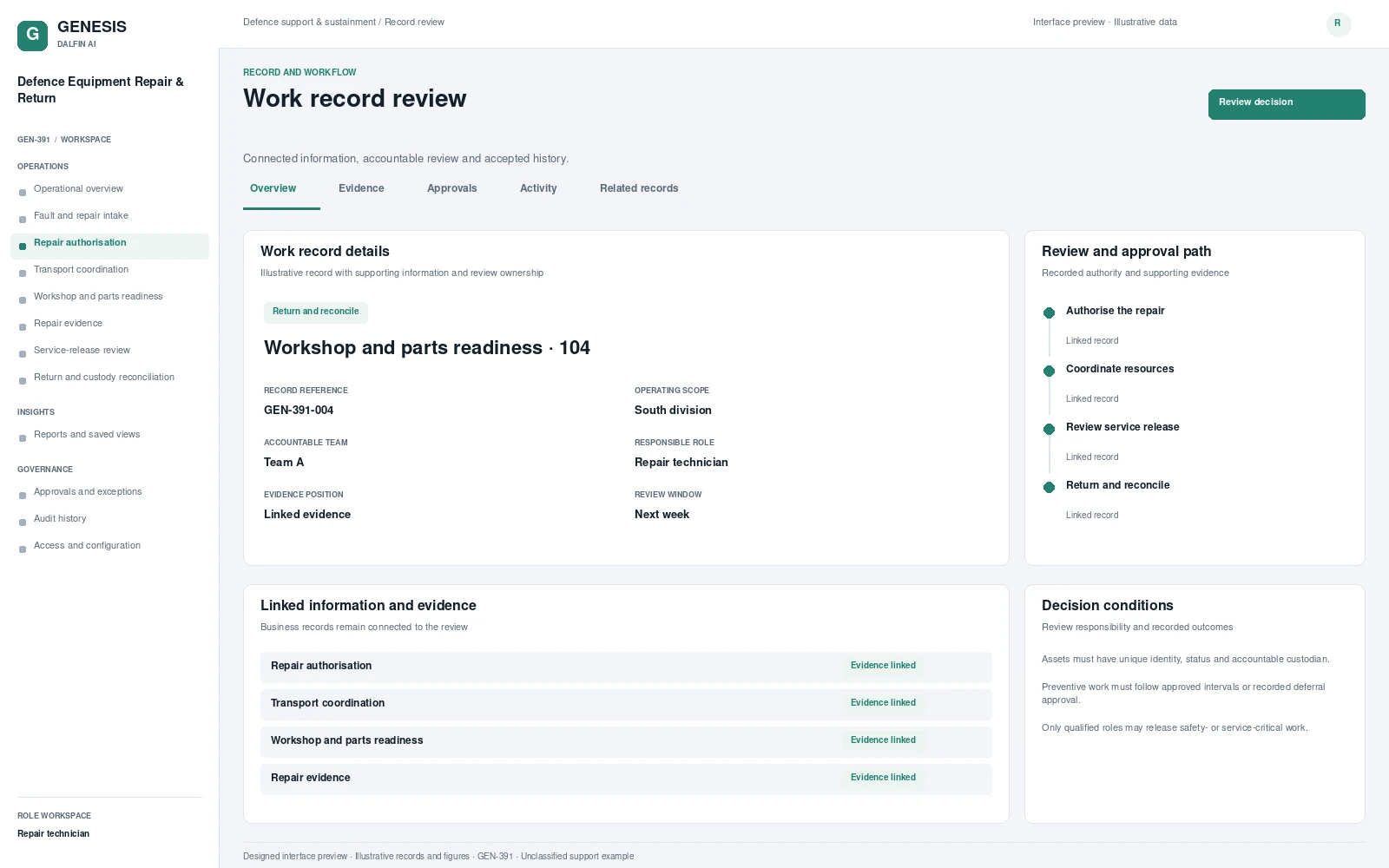
Review work, evidence, exceptions and authorised decisions within a defined operating scope.
Coordinate authorised support-equipment repairs, transport, workshop readiness, service-release evidence and custody reconciliation. Repair progress is difficult to assess when faults, workshop activity, parts readiness and custody records are disconnected. This support application scope provides a common repair journey, with technical review and service release retained by authorised personnel and a clear return record.
From intake to authorised completion, with evidence at each decision.
Record equipment fault and authorised repair requirement.
Coordinate transport, workshop capacity and parts.
Review repair evidence and authorised service release.
Return equipment and reconcile custody and warranty records.
Permissions are configured and tested for the agreed responsibilities.
Interface scope, data mapping and testing are agreed for each engagement.
Record permitted custody handovers and repair evidence on approved devices. Access and information handling follow the agreed security requirements.
Access approved workflows through the Dalfin mobile app. Device tasks and permissions are confirmed for the deployment.
Highlight missing repair evidence for the technical reviewer. The scope concerns support administration and does not include operational command or weapons control.
AI extensions are scoped around the required data, business outcome and review controls.
Connect requirements, roles, records, workflows and interfaces through the agreed Genesis engineering process.
Review dependency impact and validation requirements. Context Memory supports governed changes and accepted application revisions.
Agree customer cloud or on-premises requirements, device access, implementation acceptance and ongoing engineering support.
An example operating scenario
A support-equipment fault is approved for repair. A parts delay is escalated to the coordinator, the workshop records completed work and an authorised reviewer requests additional evidence before service release. Return and custody records are then reconciled.
Roles, approval authority, business rules, records and reporting are configured around your operating model. Scope definition connects the required business outcome to workflows, interfaces and acceptance criteria.
Operators, reviewers and authorised decision makers have defined responsibilities. Approval limits, exception handling and access permissions are agreed with your business owners and tested against the selected workflows.
Interface requirements cover your existing business systems, data ownership, mapping and authentication. Connection design and testing form part of the agreed implementation scope.
Start with a relevant business transaction, then review its approvals, an exception, role permissions and final records. Discuss the integrations, reporting and operating requirements that matter to your organisation.
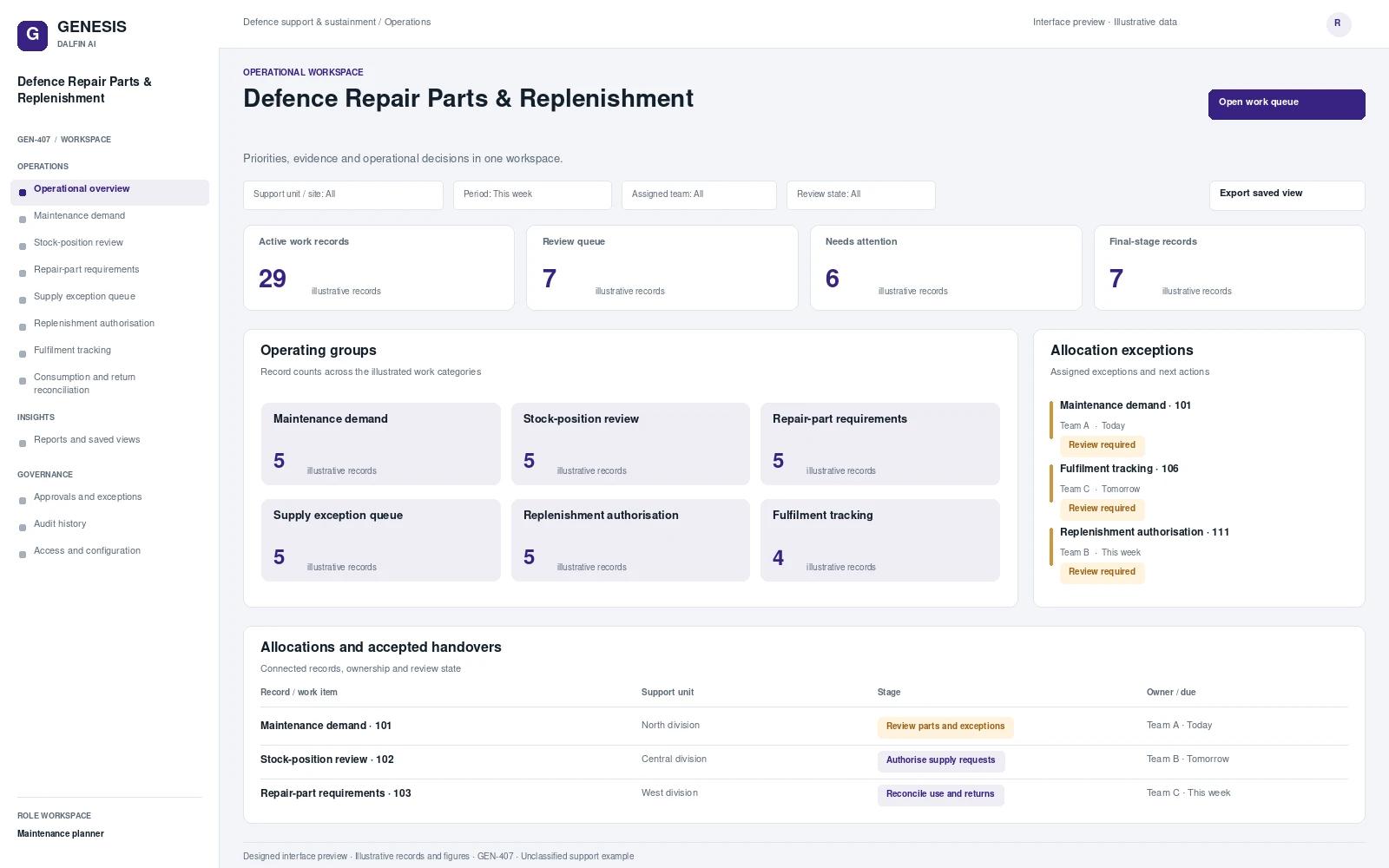 Interface preview
Connect approved maintenance demand and stock positions to repair-part review, authorised supply requests and consumption reconciliation.
Explore system →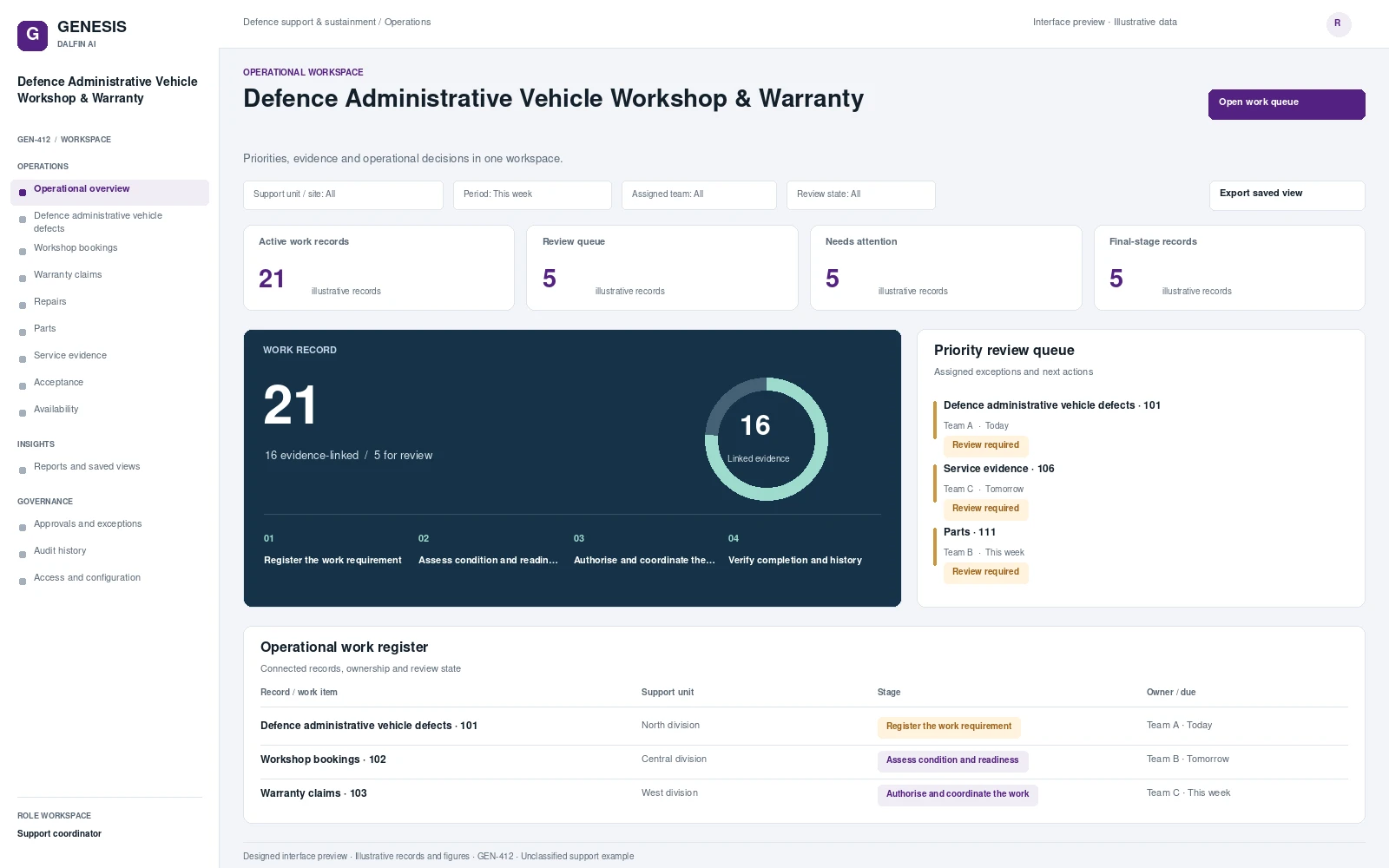 Interface preview
Manages defence administrative vehicle defects, workshop bookings and warranty claims.
Explore system →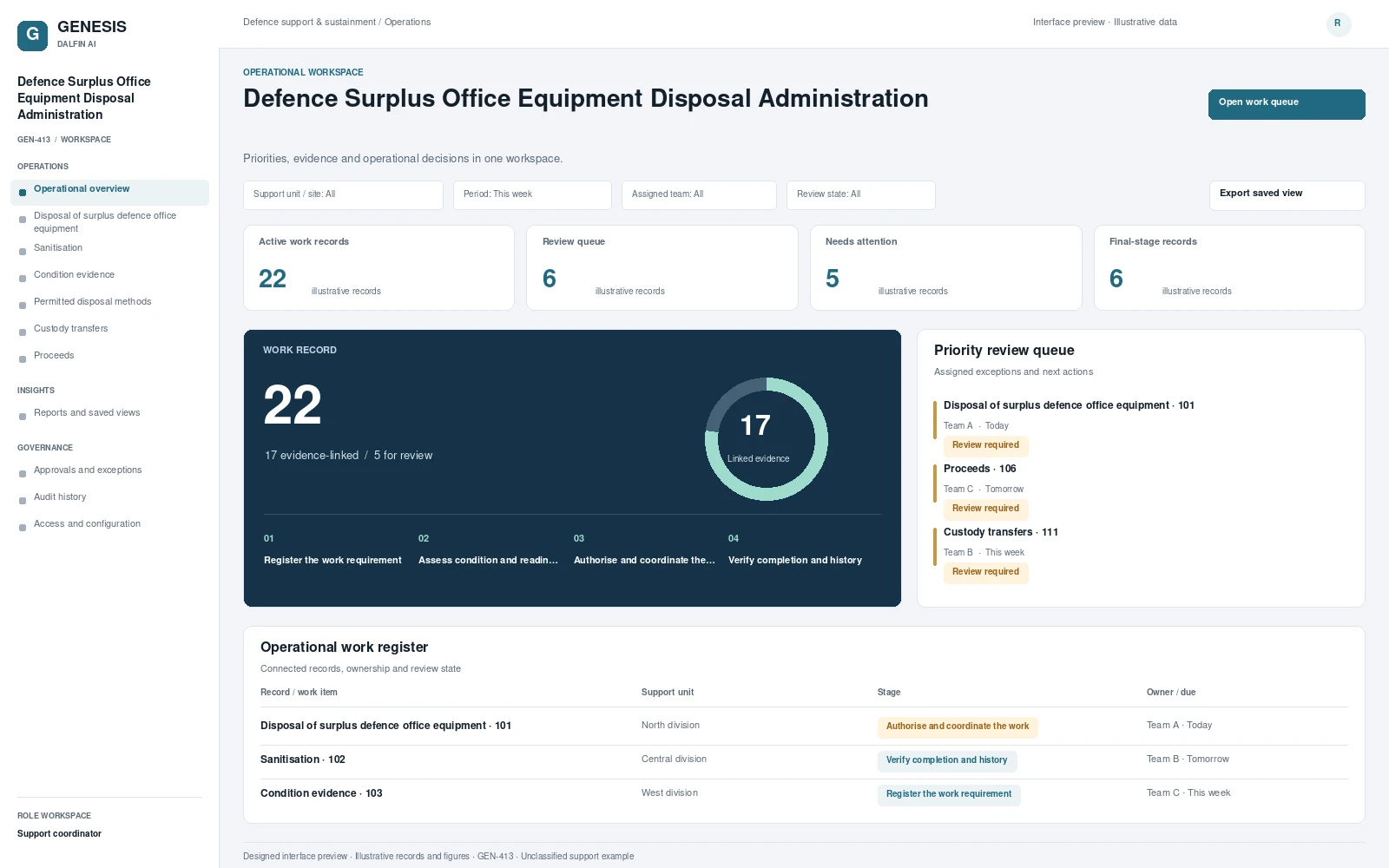 Interface preview
Coordinates disposal of surplus defence office equipment using ownership, sanitisation and condition evidence.
Explore system →