
Operational views
Review work, evidence, exceptions and authorised decisions within a defined operating scope.
Construction & infrastructure
Track instructed changes, notice dates, entitlement evidence, valuation review and approved contract forecast updates.
12 workspace menus · 5 role profiles · Connected records
Designed for contractors and construction commercial contract administration teams
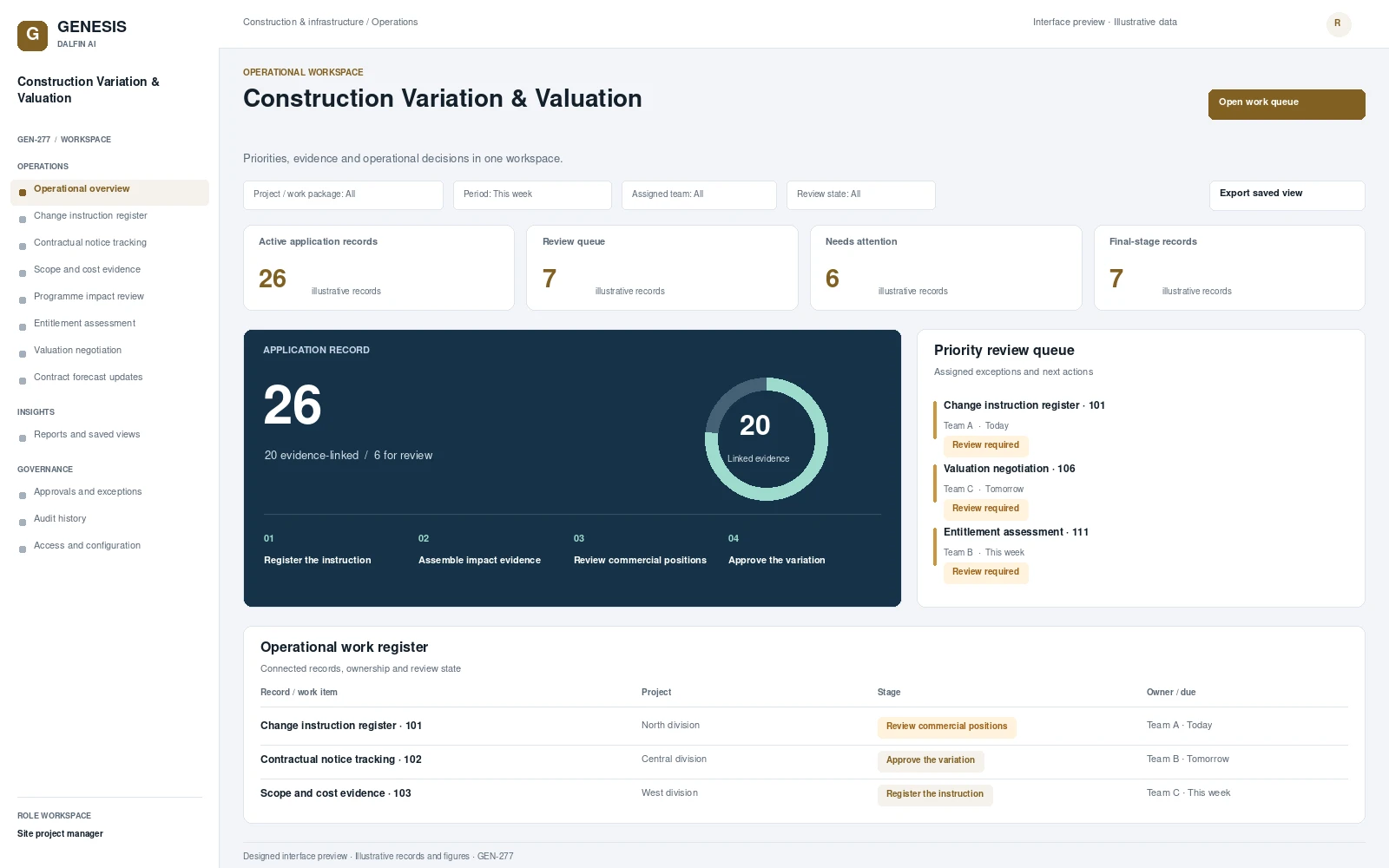
Operational workspace and record review. Select a screen to inspect it in full.
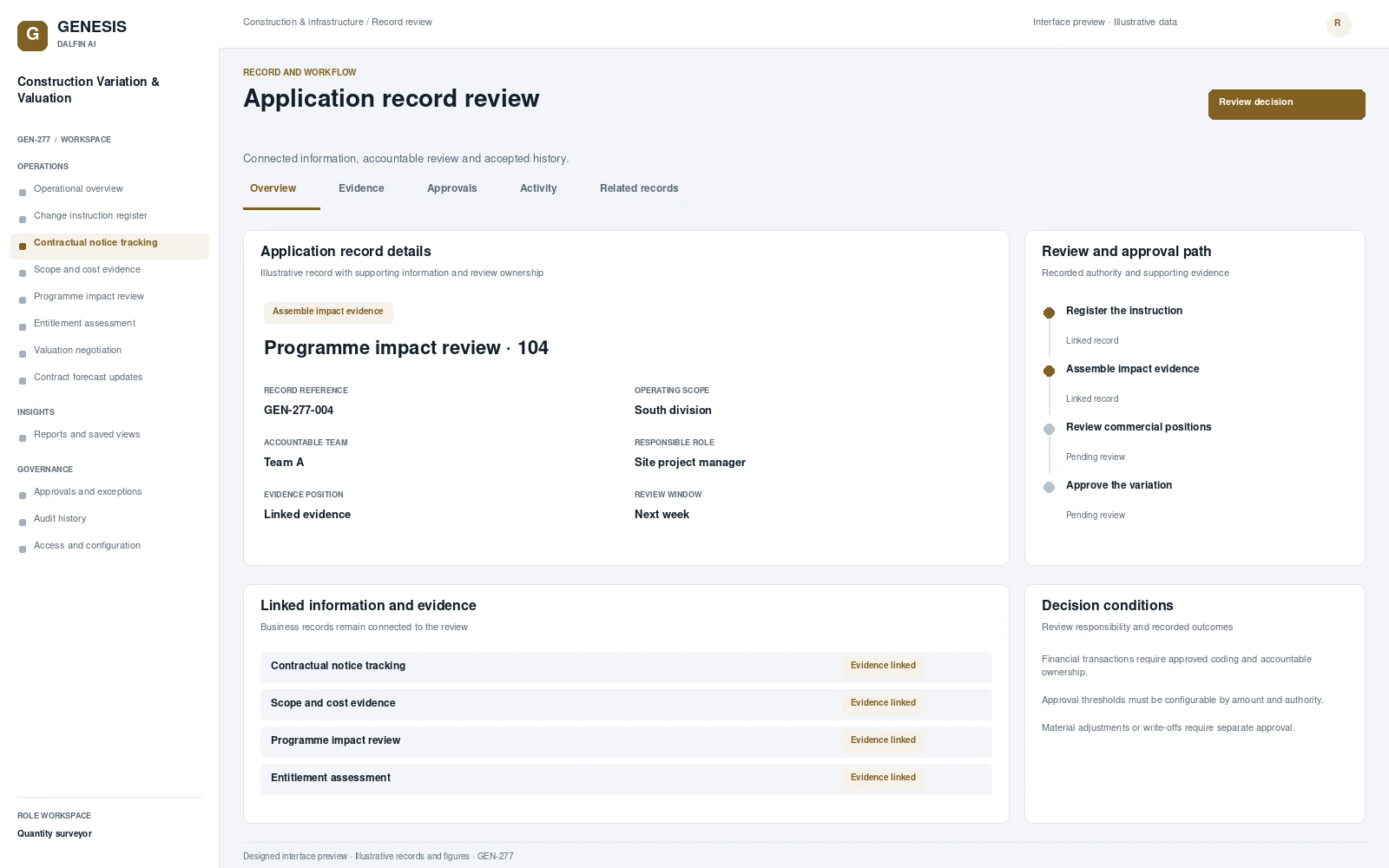
Review work, evidence, exceptions and authorised decisions within a defined operating scope.
Track instructed changes, notice dates, entitlement evidence, valuation review and approved contract forecast updates. A site instruction can alter cost and programme commitments before the commercial team has agreed entitlement or valuation. The system preserves the instruction, contractual dates and reviewed positions, giving project and commercial owners a common record for negotiation and approval.
From intake to authorised completion, with evidence at each decision.
Register instructed changes and contractual notice dates.
Assemble scope, cost and programme impact evidence.
Negotiate reviewed entitlement and valuation positions.
Approve changes and update contract forecasts.
Permissions are configured and tested for the agreed responsibilities.
Interface scope, data mapping and testing are agreed for each engagement.
Capture site instruction evidence and view outstanding notices away from the office.
Access approved workflows through the Dalfin mobile app. Device tasks and permissions are confirmed for the deployment.
Extract draft change details from supplied correspondence for contract administrator confirmation.
AI extensions are scoped around the required data, business outcome and review controls.
Connect requirements, roles, records, workflows and interfaces through the agreed Genesis engineering process.
Review dependency impact and validation requirements. Context Memory supports governed changes and accepted application revisions.
Agree customer cloud or on-premises requirements, device access, implementation acceptance and ongoing engineering support.
An example operating scenario
A construction instruction is registered with its notice deadline. The commercial reviewer returns an incomplete cost assessment, the evidence is corrected and the entitlement and valuation positions are reviewed. An authorised agreement updates the contract forecast while preserving the prior proposal.
Roles, approval authority, business rules, records and reporting are configured around your operating model. Scope definition connects the required business outcome to workflows, interfaces and acceptance criteria.
Operators, reviewers and authorised decision makers have defined responsibilities. Approval limits, exception handling and access permissions are agreed with your business owners and tested against the selected workflows.
Interface requirements cover your existing business systems, data ownership, mapping and authentication. Connection design and testing form part of the agreed implementation scope.
Start with a relevant business transaction, then review its approvals, an exception, role permissions and final records. Discuss the integrations, reporting and operating requirements that matter to your organisation.
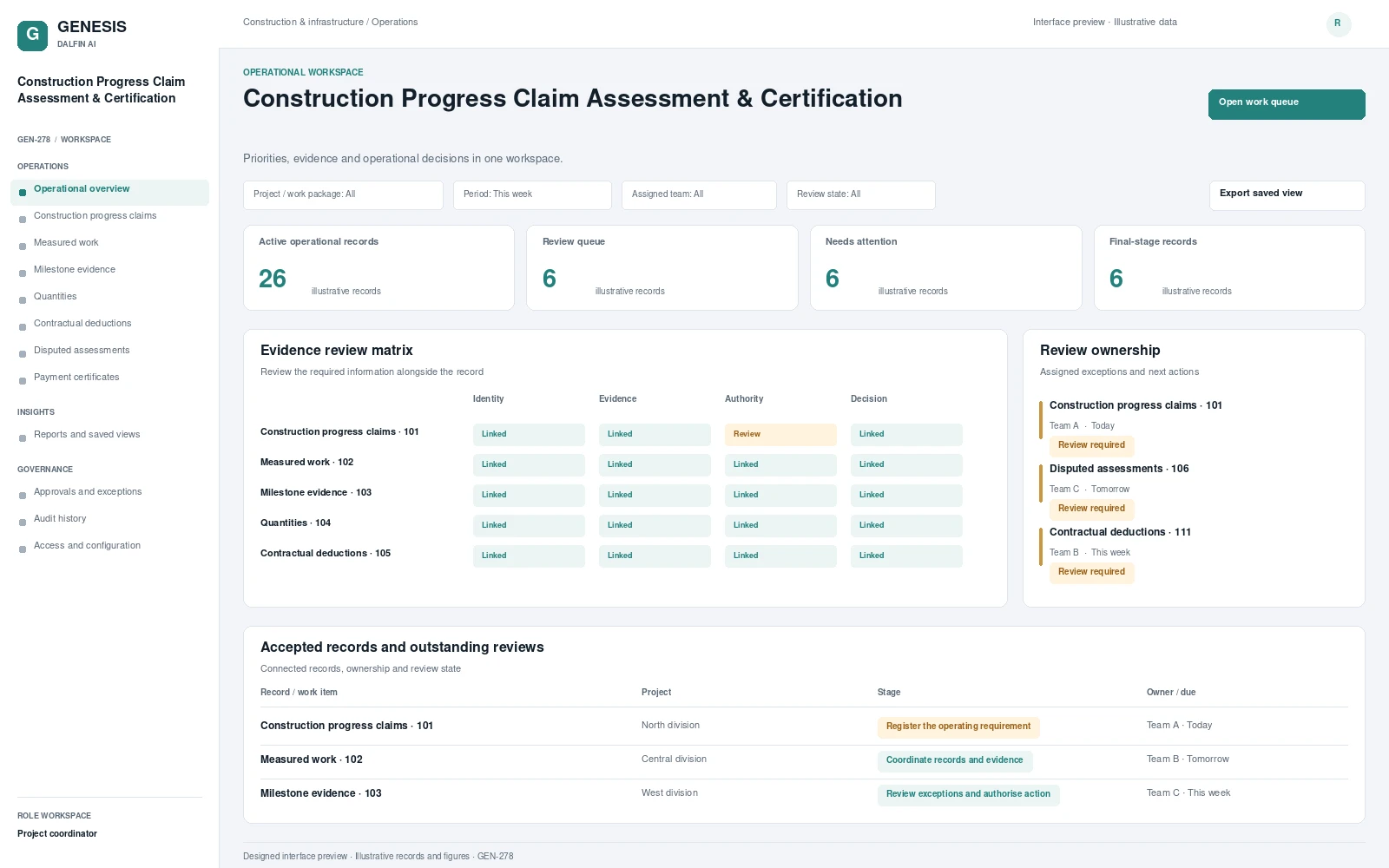 Interface preview
Coordinates construction progress claims, measured work and milestone evidence.
Explore system →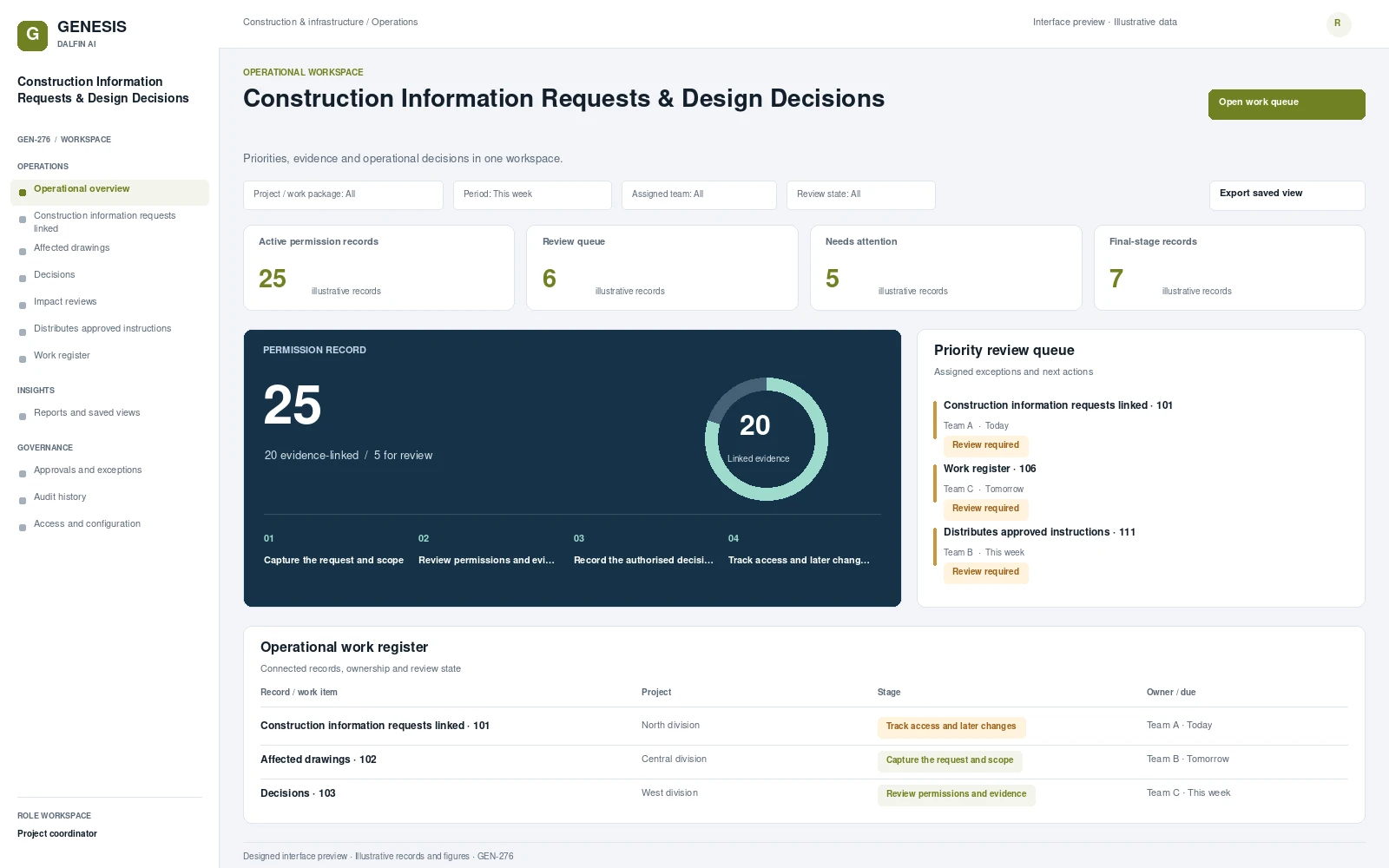 Interface preview
Coordinates construction information requests linked to site questions and affected drawings.
Explore system →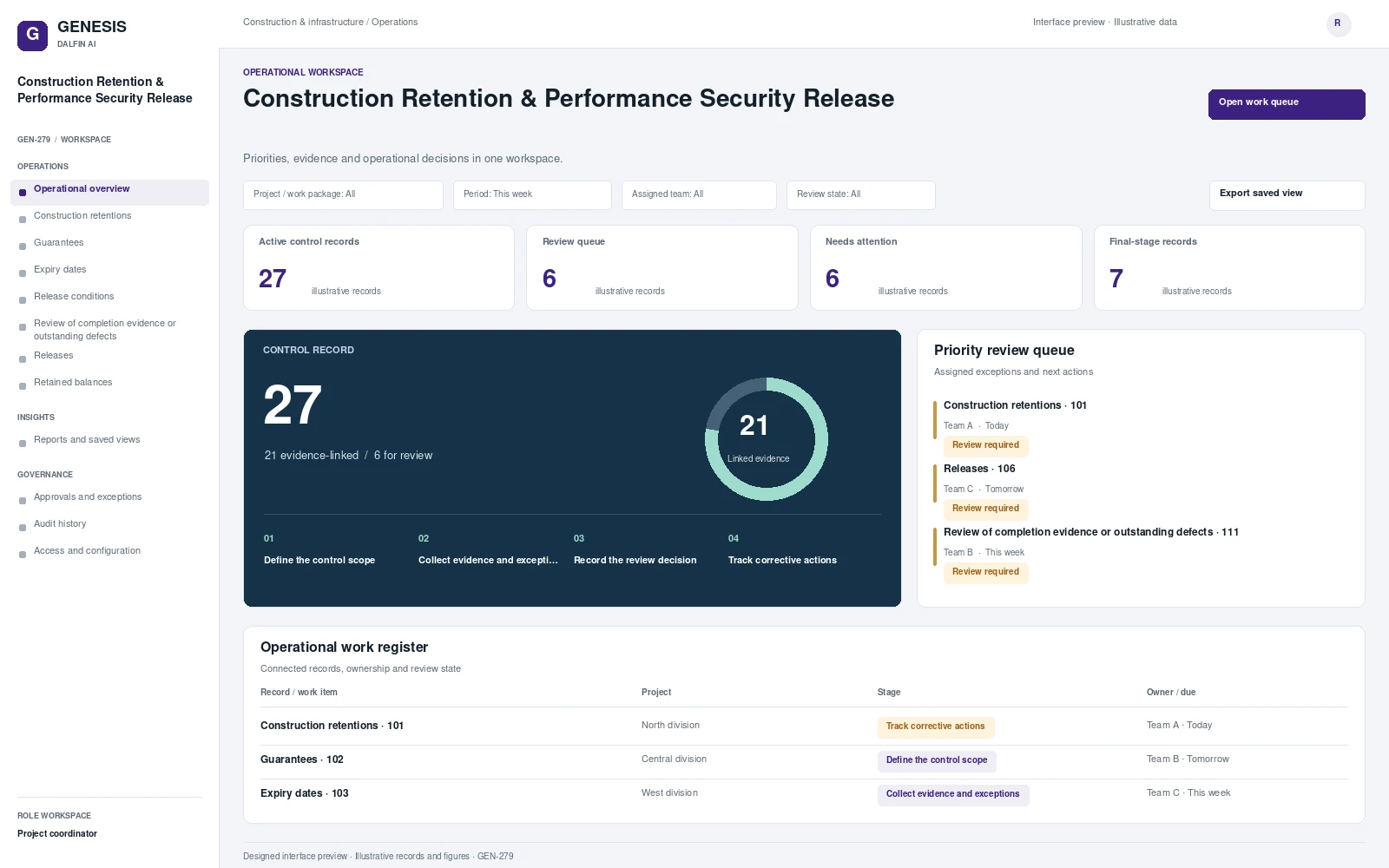 Interface preview
Tracks construction retentions, guarantees, expiry dates and release conditions.
Explore system →