
Operational views
Review work, evidence, exceptions and authorised decisions within a defined operating scope.
Hospitality & travel
Connect outlet demand and approved menus to ingredients, batch production, quality checks, dispatch, yield and waste records.
12 workspace menus · 5 role profiles · Connected records
Designed for restaurant group and central kitchen operations directors
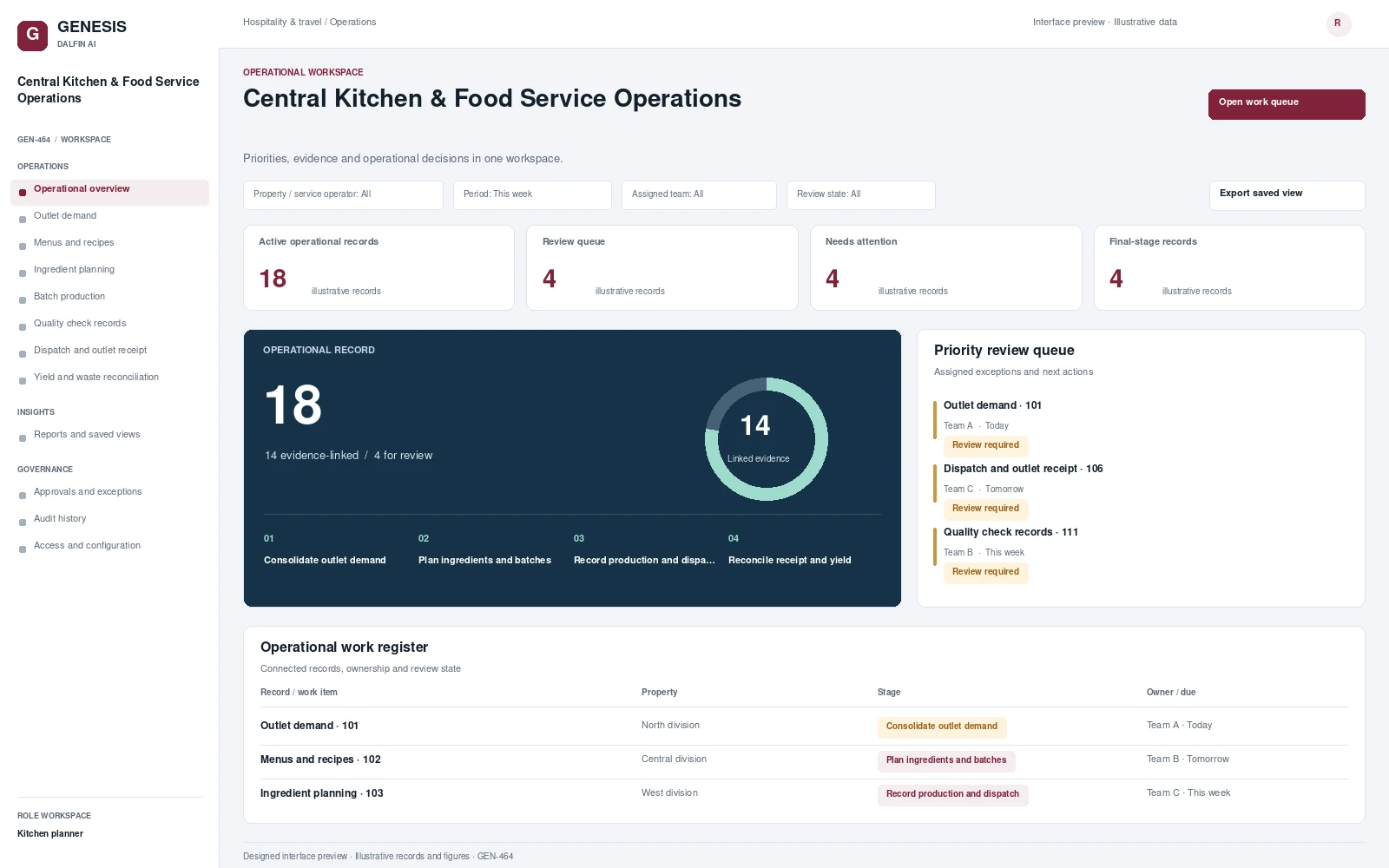
Operational workspace and record review. Select a screen to inspect it in full.
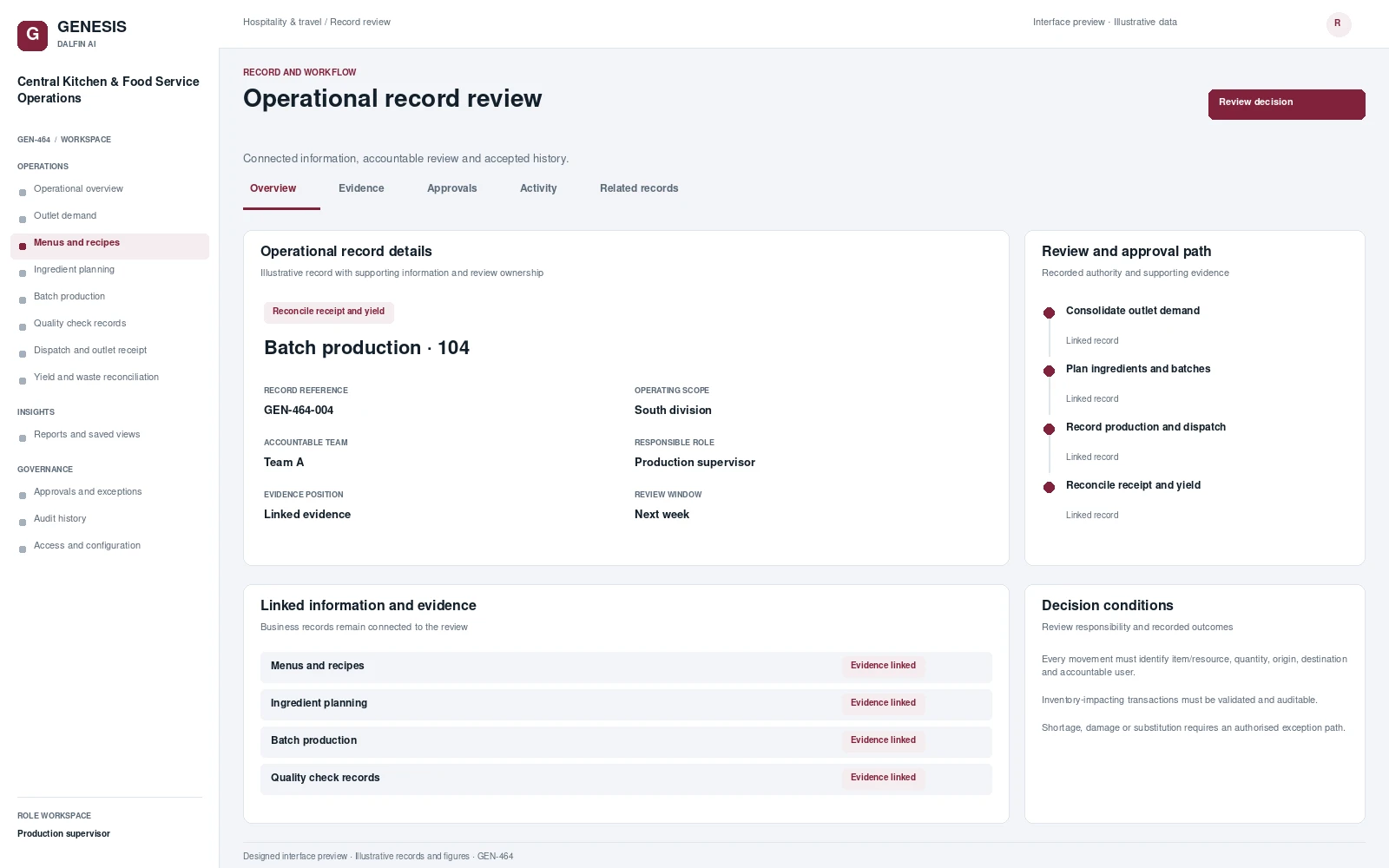
Review work, evidence, exceptions and authorised decisions within a defined operating scope.
Connect outlet demand and approved menus to ingredients, batch production, quality checks, dispatch, yield and waste records. Kitchen teams need a common operational picture of what outlets require, what can be produced and what was actually received. The system links the approved menu and production plan to batch evidence, dispatch acceptance and reconciliation of ingredient usage, yield and waste.
From intake to authorised completion, with evidence at each decision.
Consolidate outlet demand and approved menus.
Plan ingredient purchasing and batch production.
Record preparation, quality checks and dispatch acceptance.
Reconcile yields, waste, food cost and outlet receipt.
Permissions are configured and tested for the agreed responsibilities.
Interface scope, data mapping and testing are agreed for each engagement.
Record production checks, dispatch acceptance and outlet receipt through suitable tablet or mobile views.
Access approved workflows through the Dalfin mobile app. Device tasks and permissions are confirmed for the deployment.
Evaluate demand forecasting separately using suitable outlet history. Food-safety decisions remain with qualified reviewers.
AI extensions are scoped around the required data, business outcome and review controls.
Connect requirements, roles, records, workflows and interfaces through the agreed Genesis engineering process.
Review dependency impact and validation requirements. Context Memory supports governed changes and accepted application revisions.
Agree customer cloud or on-premises requirements, device access, implementation acceptance and ongoing engineering support.
An example operating scenario
Outlet orders form a batch-production plan. A quality exception is escalated to the responsible reviewer before dispatch acceptance. Outlet receipt is confirmed and the kitchen reconciles ingredient use, finished yield and recorded waste against the plan.
Roles, approval authority, business rules, records and reporting are configured around your operating model. Scope definition connects the required business outcome to workflows, interfaces and acceptance criteria.
Operators, reviewers and authorised decision makers have defined responsibilities. Approval limits, exception handling and access permissions are agreed with your business owners and tested against the selected workflows.
Interface requirements cover your existing business systems, data ownership, mapping and authentication. Connection design and testing form part of the agreed implementation scope.
Start with a relevant business transaction, then review its approvals, an exception, role permissions and final records. Discuss the integrations, reporting and operating requirements that matter to your organisation.
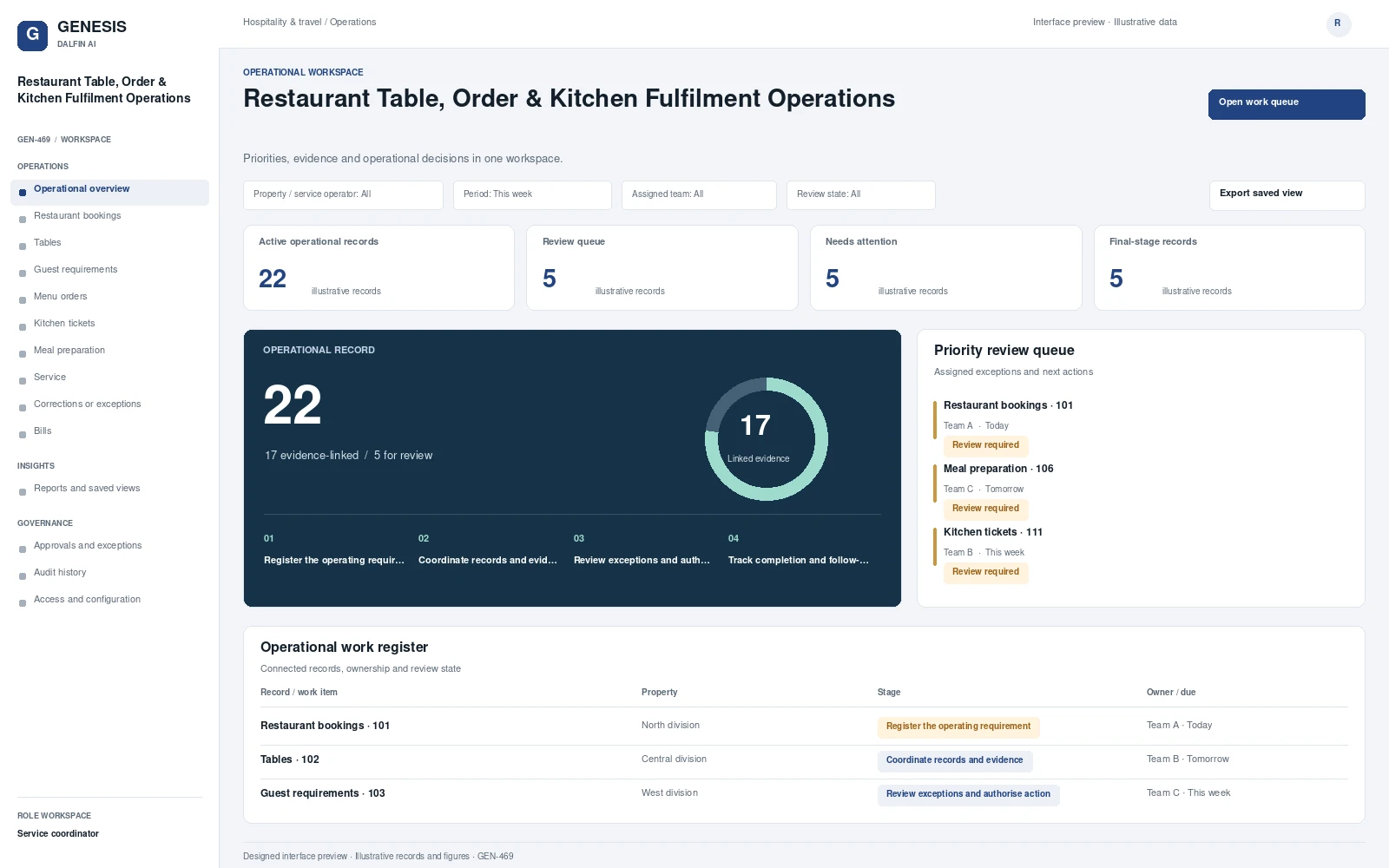 Interface preview
Manages restaurant bookings, tables, guest requirements and menu orders.
Explore system →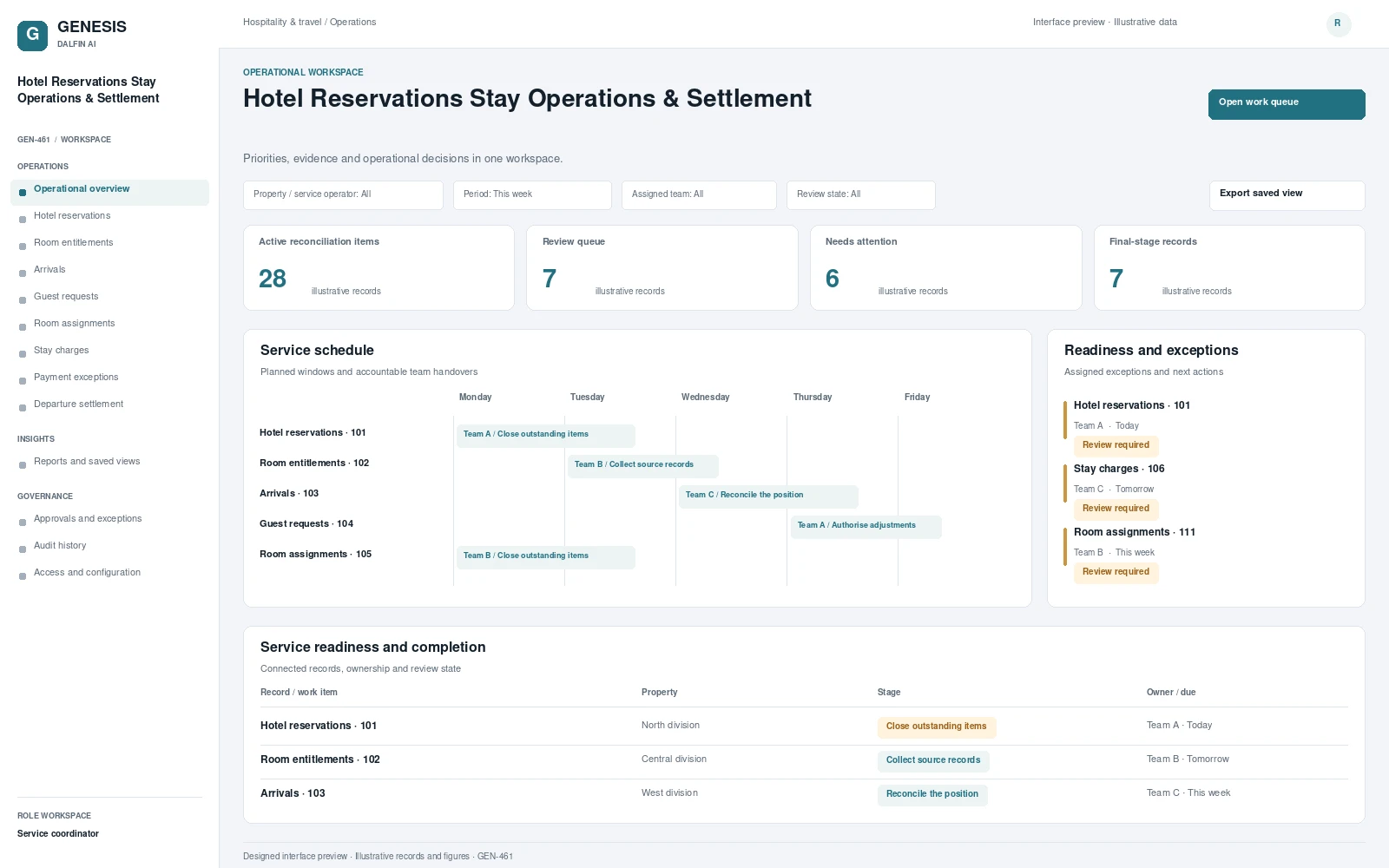 Interface preview
Manages hotel reservations, room entitlements, arrivals and guest requests.
Explore system →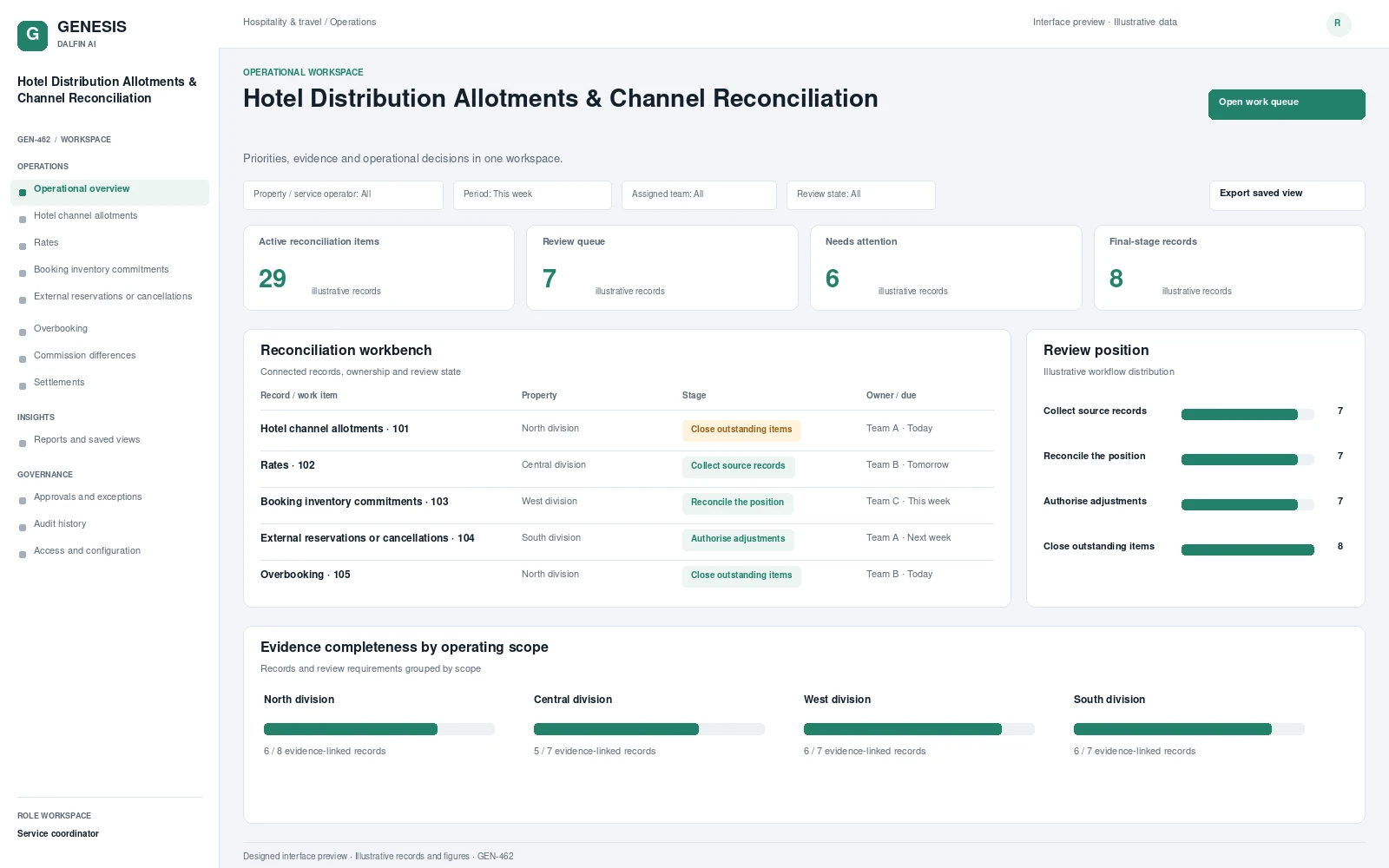 Interface preview
Coordinates hotel channel allotments, approved rates and booking inventory commitments.
Explore system →